Prepare every product photo for marketplace listings.
Prep your product photos for Etsy, eBay, Amazon, and Poshmark in one batch. Preset sizes, white padding, done in your browser. Free, no signup, your photos never leave your device.
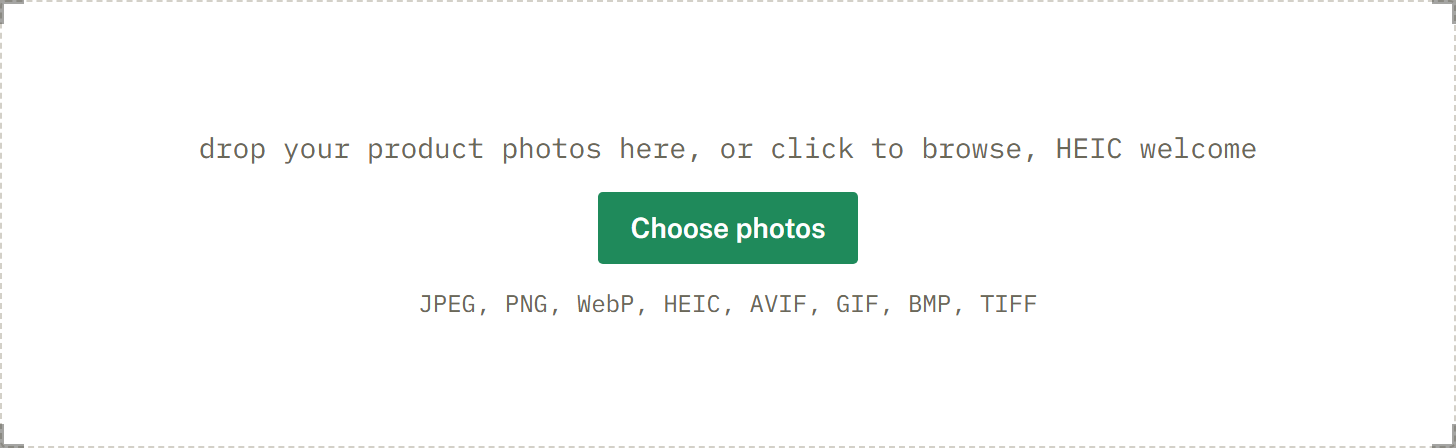
drop your product photos here, or click to browse, HEIC welcome
Choose photosJPEG, PNG, WebP, HEIC, AVIF, GIF, BMP, TIFF
- No upload
- Photos never leave your device
- White background
- Pad to pure white and check the white value
- No per-image limit
- No signup, no watermark; choose up to two marketplaces per batch.
A possible future upgrade
Selling on Amazon?
We're exploring a private, on-device Amazon Image Check with background removal. Check common main-image requirements, including pure-white background, dimensions, file format, and estimated product coverage, without uploading your photos.
Expected introductory price: $49/year.
Interest list only. No charge today. This would be a separate future upgrade and is not currently available.
How it works
One batch, one ZIP. Drop your photos, pick the marketplaces you sell on, and download files sized to each SelfShot preset.
- 1
Drop your photos
Add a whole batch by drag and drop, file picker, or paste. iPhone HEIC files are read and rotated upright for you.
- 2
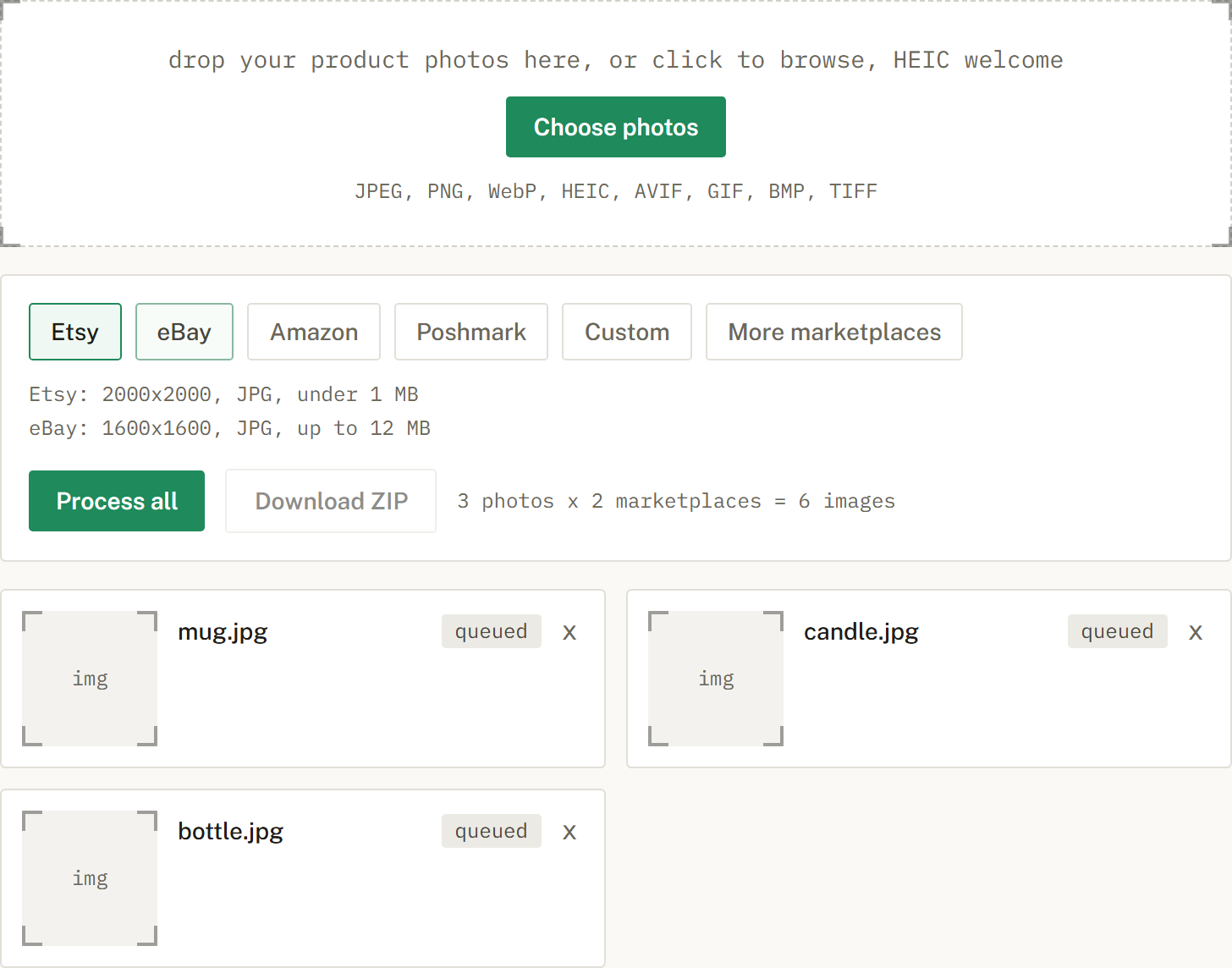
Pick a marketplace
Choose Etsy, eBay, Amazon, or Poshmark. The free tool lets you pick up to two marketplaces per batch. SelfShot sizes each photo to that preset, either padding to white or cropping to fill, and compresses toward that preset's file-size cap.
- 3
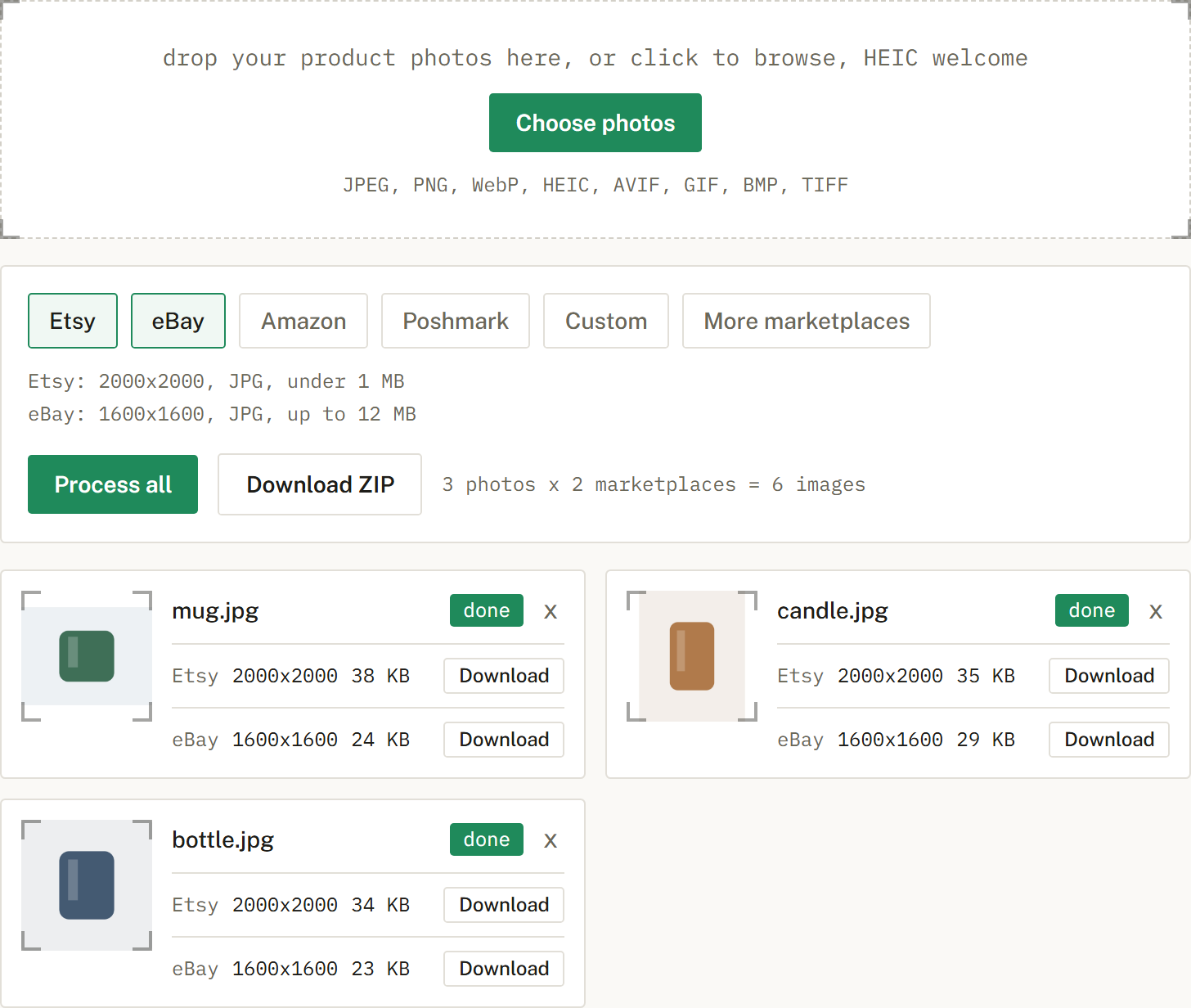
Download the batch
Get a ZIP with correctly named files, one folder per marketplace when you cross-list. Nothing is uploaded.
Marketplace photo presets
The output sizes, formats, file-size caps, and background handling SelfShot applies. They are designed around commonly published marketplace guidance. They do not decide whether a listing photo is accepted.
These rows are SelfShot output presets, designed around commonly published marketplace guidance. Requirements can vary by category and change over time. SelfShot cannot guarantee marketplace approval.
| Marketplace | Output size | Format | File size | Background |
|---|---|---|---|---|
| Etsy | 2000x2000 | JPG | under 1 MB | Pad to white by default |
| eBay | 1600x1600 | JPG | up to 12 MB | Pad to white by default |
| Amazon | 2000x2000 | JPG | up to 10 MB | Pad to white, check 255,255,255 |
| Poshmark | 1200x1200 | JPG | up to 5 MB | Pad to white by default |
| Poshmark cover 3:4 | 1200x1600 | JPG | up to 5 MB | Pad to white by default |
| Mercari | 1280x1280 | JPG | up to 10 MB | Pad to white by default |
| Depop | 1280x1280 | JPG | up to 8 MB | Pad to white by default |
| Facebook Marketplace | 1200x1200 | JPG | up to 8 MB | Pad to white by default |
| Shopify | 2048x2048 | JPG | up to 20 MB | Pad to white by default |
A bulk image resizer built for marketplace sellers
Most resizers give you generic sizes and stop there. SelfShot applies a preset for Etsy, eBay, Amazon, and Poshmark: a chosen output size, a file-size cap, and for Amazon a pure white pad checked at 255,255,255. Those presets follow commonly published guidance. Requirements can vary by category and change over time. SelfShot cannot guarantee marketplace approval. It squares your photos, pads them to white, and compresses each file toward that preset's cap, all in one pass.
Everything runs in your browser. Your photos are decoded, resized, and exported on your own device and never uploaded to a server. That keeps the tool free, fast, and private, and it means there is no signup, no watermark, and no per-image limit. The free tool lets you choose up to two marketplaces per batch.
Shooting on a phone is fine. SelfShot reads iPhone HEIC files and bakes in the correct orientation so rotated photos come out upright. Sell the same item in more than one place and you can export every size at once, with one folder per marketplace in the ZIP.
Questions
Can I resize many images at once?
Yes. SelfShot is built for batches. Drop a whole set, pick your marketplaces, and download a ZIP.
Are my photos uploaded anywhere?
No. Your photos are processed in your browser and never uploaded. SelfShot has no copy of them.
Does it cost anything?
The core image-prep tools are free, with no signup and no watermark. Unlimited cross-listing is an optional $9 lifetime Pro unlock. A proposed Amazon Image Check with private background removal is not available yet. It would be a separate future upgrade, not part of Pro.
What formats can I use?
JPEG, PNG, WebP, HEIC, AVIF, GIF, BMP, and TIFF as input. Output is JPG, PNG, or WebP.
Can it handle iPhone HEIC photos?
Yes. HEIC files are read on your device and rotated upright, then exported as JPG.
Preparing Amazon main images on white? See Amazon white-background product photos.