·Guides·7 min
Free background removal tools compared, honestly
An honest look at the free background removal tools, what free really means, and where a sizing tool like SelfShot fits.
Drop a whole batch of product photos, pick one or more marketplaces, and SelfShot resizes, squares, pads to white, and compresses every image, then gives you a ZIP. Nothing is uploaded.
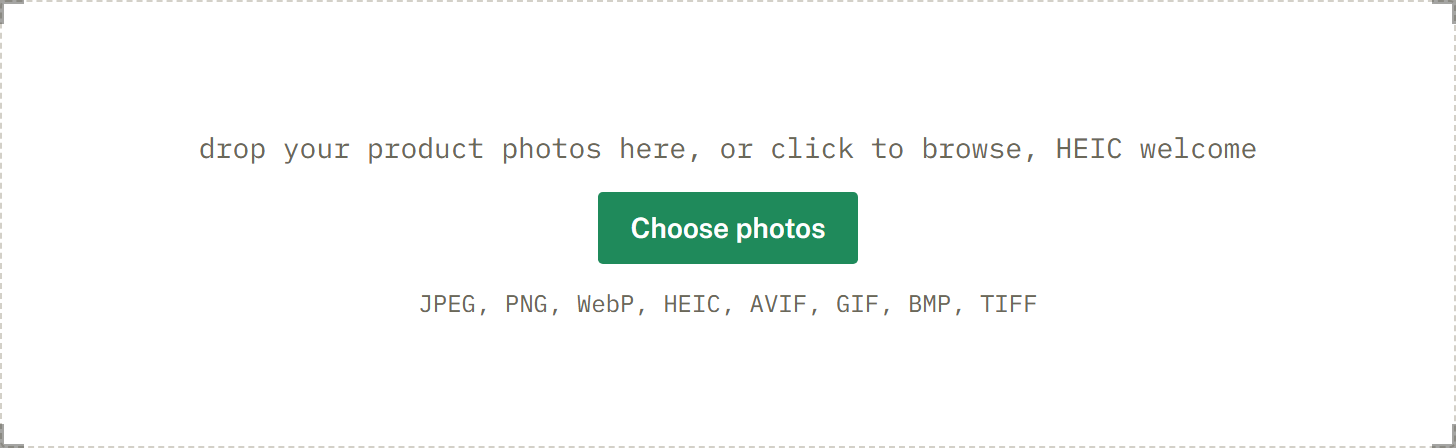
drop your product photos here, or click to browse, HEIC welcome
Choose photosJPEG, PNG, WebP, HEIC, AVIF, GIF, BMP, TIFF
SelfShot is built for batches. Process forty photos at once, or run the same set through several marketplaces to cross-list, with one folder per marketplace in the ZIP.
Because everything runs in your browser, there is no per-image limit and no waiting on an upload. Your photos stay on your device.
Most online resizers handle one image at a time and give you a generic size. SelfShot is built around the batch. Drop forty photos, pick a marketplace, and every image is squared, sized, padded to white, and compressed under that marketplace's file-size limit in one pass. You download a single ZIP with correctly named files.
The filenames tell you what each file is: the original name, the marketplace, and the dimensions, so a folder of exports stays organized even with dozens of photos.
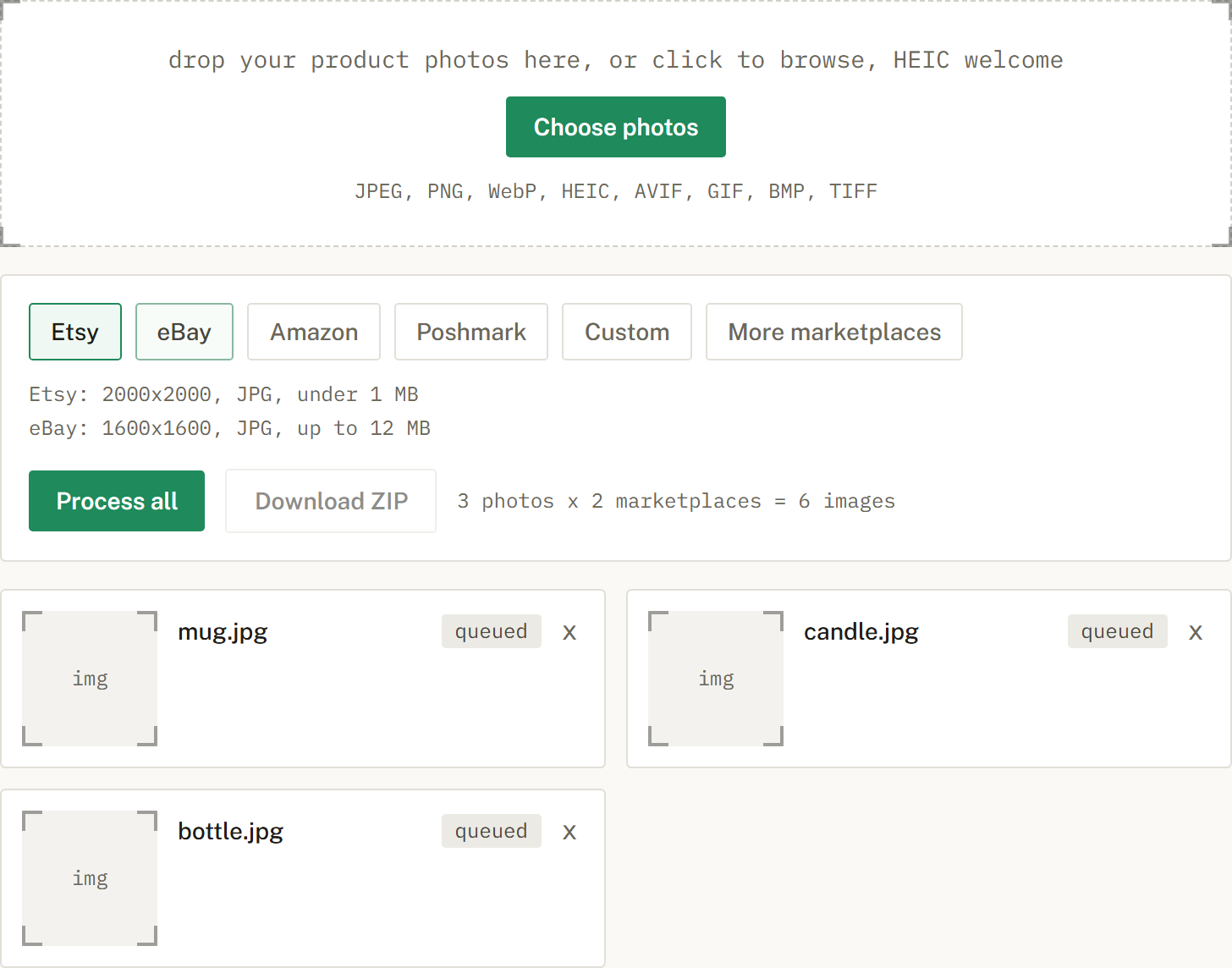
If you sell the same item on more than one site, select several marketplaces and SelfShot runs every photo through each one. It shows you the math up front, for example forty photos times three marketplaces equals one hundred and twenty images, and groups the output into one folder per marketplace inside the ZIP.
You can also apply another marketplace later without re-importing. SelfShot keeps your originals in memory, so adding eBay after you have already done Etsy just adds the eBay folder to your downloads.
Nothing is uploaded. Decoding, resizing, padding, compression, and the final ZIP all happen on your own device, which is why there is no per-image limit and no waiting on a server. It also means the tool is free and your photos stay private.
iPhone HEIC files are read and rotated upright automatically, so a mixed batch of phone and camera photos all come out correctly oriented and sized.
Current values, last reviewed for accuracy. These decide whether a photo is accepted.
| Marketplace | Output size | Format | File size | Background |
|---|---|---|---|---|
| Etsy | 2000x2000 | JPG | under 1 MB | White optional |
| eBay | 1600x1600 | JPG | up to 12 MB | White optional |
| Amazon | 2000x2000 | JPG | up to 10 MB | Pure white, 255,255,255 |
| Poshmark | 1200x1200 | JPG | up to 5 MB | White optional |
| Poshmark cover 3:4 | 1200x1600 | JPG | up to 5 MB | White optional |
| Mercari | 1280x1280 | JPG | up to 10 MB | White optional |
| Depop | 1280x1280 | JPG | up to 8 MB | White optional |
| Facebook Marketplace | 1200x1200 | JPG | up to 8 MB | White optional |
| Shopify | 2048x2048 | JPG | up to 20 MB | White optional |
Add a whole batch by drag and drop, file picker, or paste. iPhone HEIC files are read and rotated upright for you.
Choose Etsy, eBay, Amazon, or Poshmark, or several at once. SelfShot sizes and squares each photo, either padding to white or cropping to fill, and compresses to that marketplace's limit.
Get a ZIP with correctly named files, one folder per marketplace when you cross-list. Nothing is uploaded.
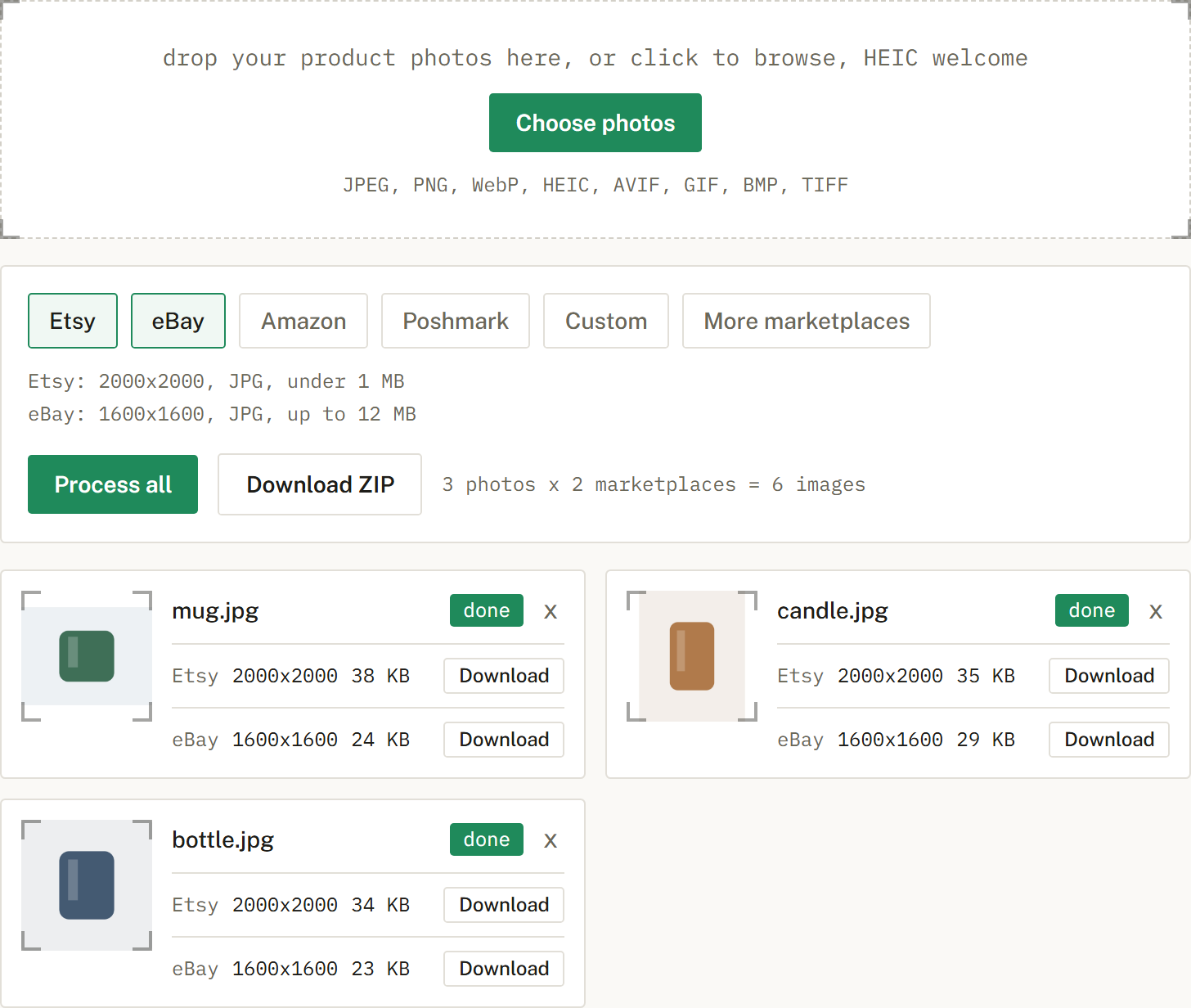
Yes, that is the point. Process a whole batch and download a ZIP.
No. Your photos are processed in your browser and never uploaded. SelfShot has no copy of them.
The core image-prep tools are free, with no signup and no watermark. Unlimited cross-listing is an optional $9 lifetime Pro unlock. A proposed Amazon Image Check with private background removal is not available yet. It would be a separate future upgrade, not part of Pro.
An honest look at the free background removal tools, what free really means, and where a sizing tool like SelfShot fits.
The current image sizes, formats, and file-size limits for Etsy, eBay, Amazon, and Poshmark, in one place.
Amazon's scanner rejects off-white backgrounds. Here is what pure white means and how to check it.