·Guides·7 min
Free background removal tools compared, honestly
An honest look at the free background removal tools, what free really means, and where a sizing tool like SelfShot fits.
eBay shows photos best as squares and turns on zoom at 1600 pixels or more on the longest side. SelfShot squares your batch to 1600 by 1600 JPG so listings look sharp and zoom works.
drop your product photos here, or click to browse, HEIC welcome
Choose photosJPEG, PNG, WebP, HEIC, AVIF, GIF, BMP, TIFF
eBay crops to square in search results, so squaring your photos yourself keeps the framing you want. SelfShot pads each image to 1600 by 1600 and keeps files well under eBay's 12 MB limit.
A white background is not required on eBay, so the default is pad to white rather than removal. You can keep the original background if you prefer.
eBay accepts photos from 500 pixels on the longest side, but the number that matters is 1600. At 1600 pixels or larger on the longest side, eBay turns on its zoom feature, which lets buyers magnify details. Listings without zoom look lower quality next to competitors, so 1600 by 1600 is the size to aim for.
SelfShot squares your photos to 1600 by 1600 and keeps each file well under eBay's 12 megabyte limit. Square is also how eBay displays and crops images in search, so squaring them yourself keeps the framing you intended.
eBay shows search results in a square grid and crops non-square photos to fit. If your product is near the edge of a wide or tall photo, the crop can cut it off. Squaring the photo first puts your product in the center of a 1:1 frame, so what you see is what buyers see.
If your original is wider or taller than square, SelfShot pads the short side rather than cropping, so the whole product stays in frame.
eBay recommends a clean, plain background but does not require pure white, so SelfShot defaults to padding to white rather than forcing a background change. This squares the photo and gives it a tidy white border without risking a bad automatic cutout.
If you prefer to keep a lifestyle or in-use background, you can. The point of SelfShot on eBay is correct sizing and square framing so your listing photos are sharp and zoomable.
Current values, last reviewed for accuracy. These decide whether a photo is accepted.
| Marketplace | Output size | Format | File size | Background |
|---|---|---|---|---|
| eBay | 1600x1600 | JPG | up to 12 MB | White optional |
Add a whole batch by drag and drop, file picker, or paste. iPhone HEIC files are read and rotated upright for you.
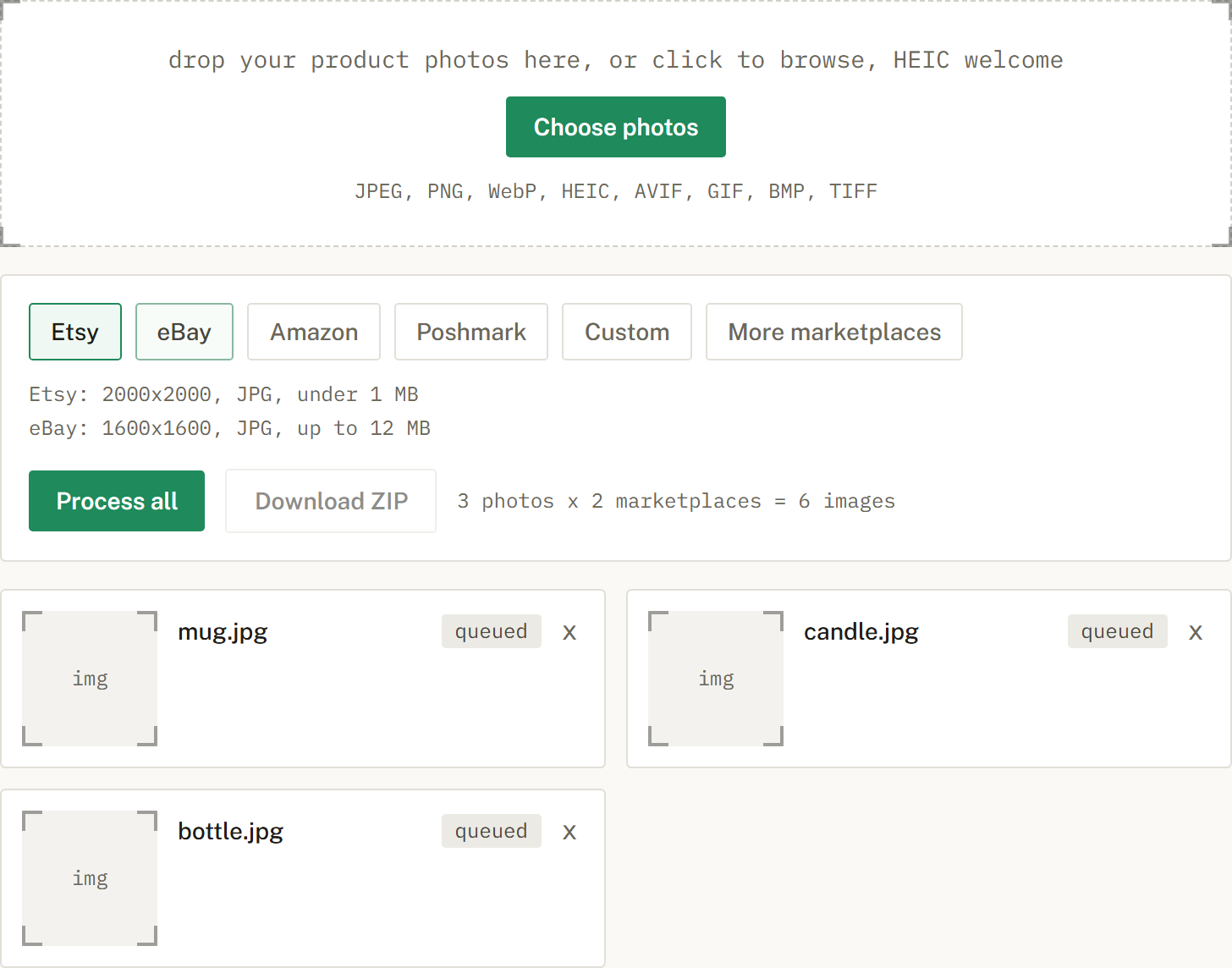
Choose Etsy, eBay, Amazon, or Poshmark, or several at once. SelfShot sizes and squares each photo, either padding to white or cropping to fill, and compresses to that marketplace's limit.
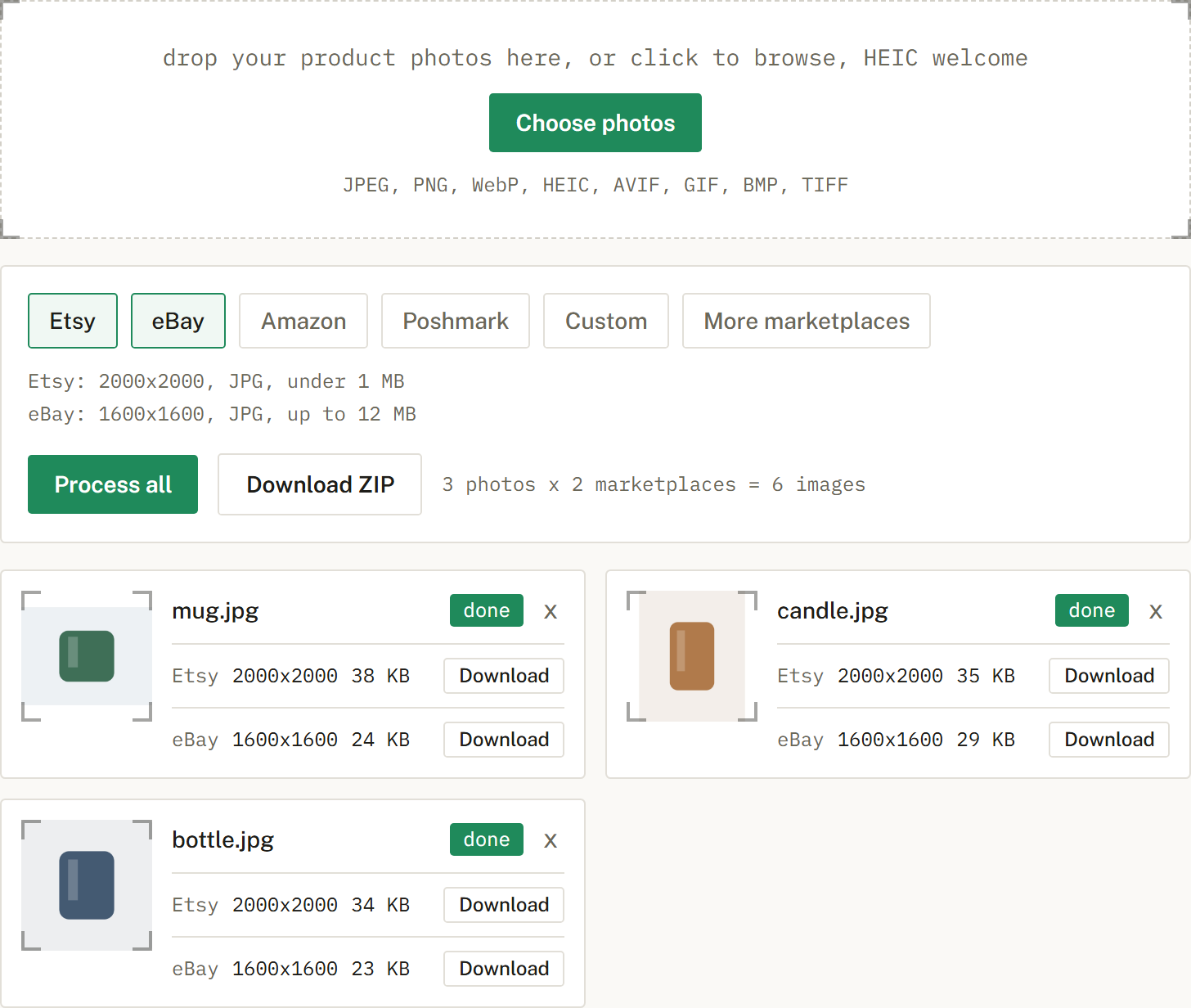
Get a ZIP with correctly named files, one folder per marketplace when you cross-list. Nothing is uploaded.
Minimum 500 pixels on the longest side; 1600 pixels or more turns on zoom, so 1600 by 1600 is the target.
White is recommended but not required, so the default is pad to white.
eBay crops to square in search, so squaring it yourself keeps the framing you want.
An honest look at the free background removal tools, what free really means, and where a sizing tool like SelfShot fits.
The current image sizes, formats, and file-size limits for Etsy, eBay, Amazon, and Poshmark, in one place.
Amazon's scanner rejects off-white backgrounds. Here is what pure white means and how to check it.