·Guides·7 min
Free background removal tools compared, honestly
An honest look at the free background removal tools, what free really means, and where a sizing tool like SelfShot fits.
Amazon main images must be square, at least 1600 pixels, with the product filling about 85% of the frame on a pure white background at exactly RGB 255,255,255. SelfShot sizes and pads your batch and checks the white for you.
drop your product photos here, or click to browse, HEIC welcome
Choose photosJPEG, PNG, WebP, HEIC, AVIF, GIF, BMP, TIFF
Amazon's scanner rejects off-white backgrounds, even 250,250,250. SelfShot outputs 2000 by 2000, centers the product at about 85% fill on white, and checks the border for exactly 255,255,255. If the white is off, it tells you the value it found so you can fix the shot.
This version makes a white background by padding, which works when your product is photographed on white. Automatic subject cutout from a busy background is not part of this version.
Amazon's main product image must be square. The longest side should be at least 1000 pixels so the zoom feature works, and 2000 pixels or more is recommended so the zoom is genuinely useful. SelfShot outputs 2000 by 2000 by default and keeps each file under the 10 megabyte limit.
The product should fill about 85 percent of the frame, centered, with the whole item in shot and nothing cropped. SelfShot scales your product to that fill ratio automatically, and you can fine tune it between 80 and 90 percent with the fill slider.
Amazon runs an automated scanner that checks the main image background is pure white, defined as red 255, green 255, blue 255. A background that looks white to your eye but is actually a light gray, such as 250, 250, 250, can be rejected. This is the single most common reason a main image is suppressed.
SelfShot pads your photo onto a pure white square and then checks the result. When the check passes you see a confident badge reading pure white, RGB 255,255,255. When it does not, you see the exact off-white value it found, so you know to fix the shot rather than guess.
The 85 percent rule is Amazon's guidance that the product should occupy roughly 85 percent of the image area. Too small and the product looks lost in white space; too large and it can feel cramped or get cropped. SelfShot centers your product at that ratio so it reads well in search and on the product page.
To be honest about limits: this version creates a white background by padding, which works when your product is photographed on a white sweep or in a lightbox. It does not automatically cut a product out of a busy background. If your photo has a cluttered background, reshoot on white or cut the product out in another tool first, then bring it here to size and verify the white.
Current values, last reviewed for accuracy. These decide whether a photo is accepted.
| Marketplace | Output size | Format | File size | Background |
|---|---|---|---|---|
| Amazon | 2000x2000 | JPG | up to 10 MB | Pure white, 255,255,255 |
Add a whole batch by drag and drop, file picker, or paste. iPhone HEIC files are read and rotated upright for you.
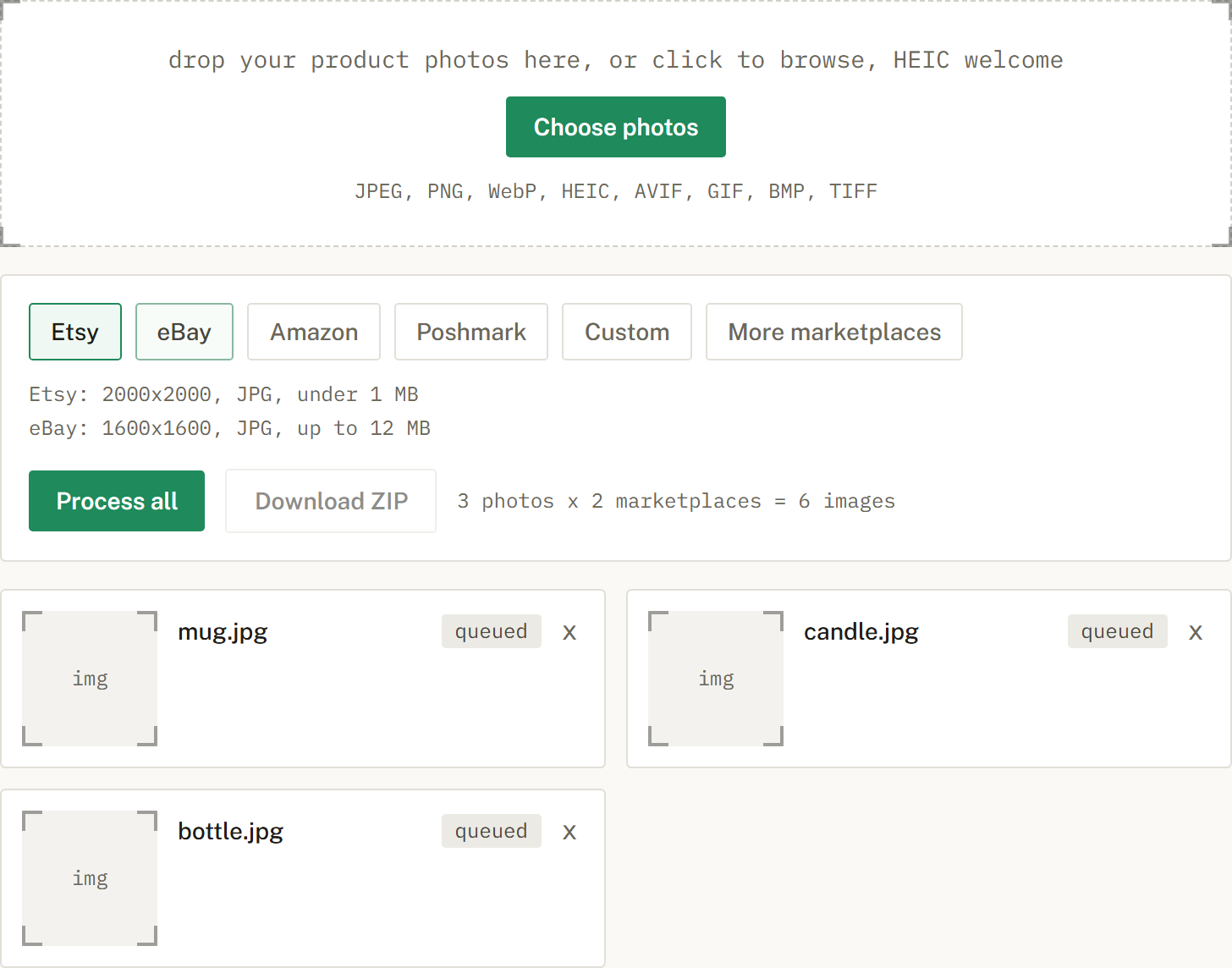
Choose Etsy, eBay, Amazon, or Poshmark, or several at once. SelfShot sizes and squares each photo, either padding to white or cropping to fill, and compresses to that marketplace's limit.
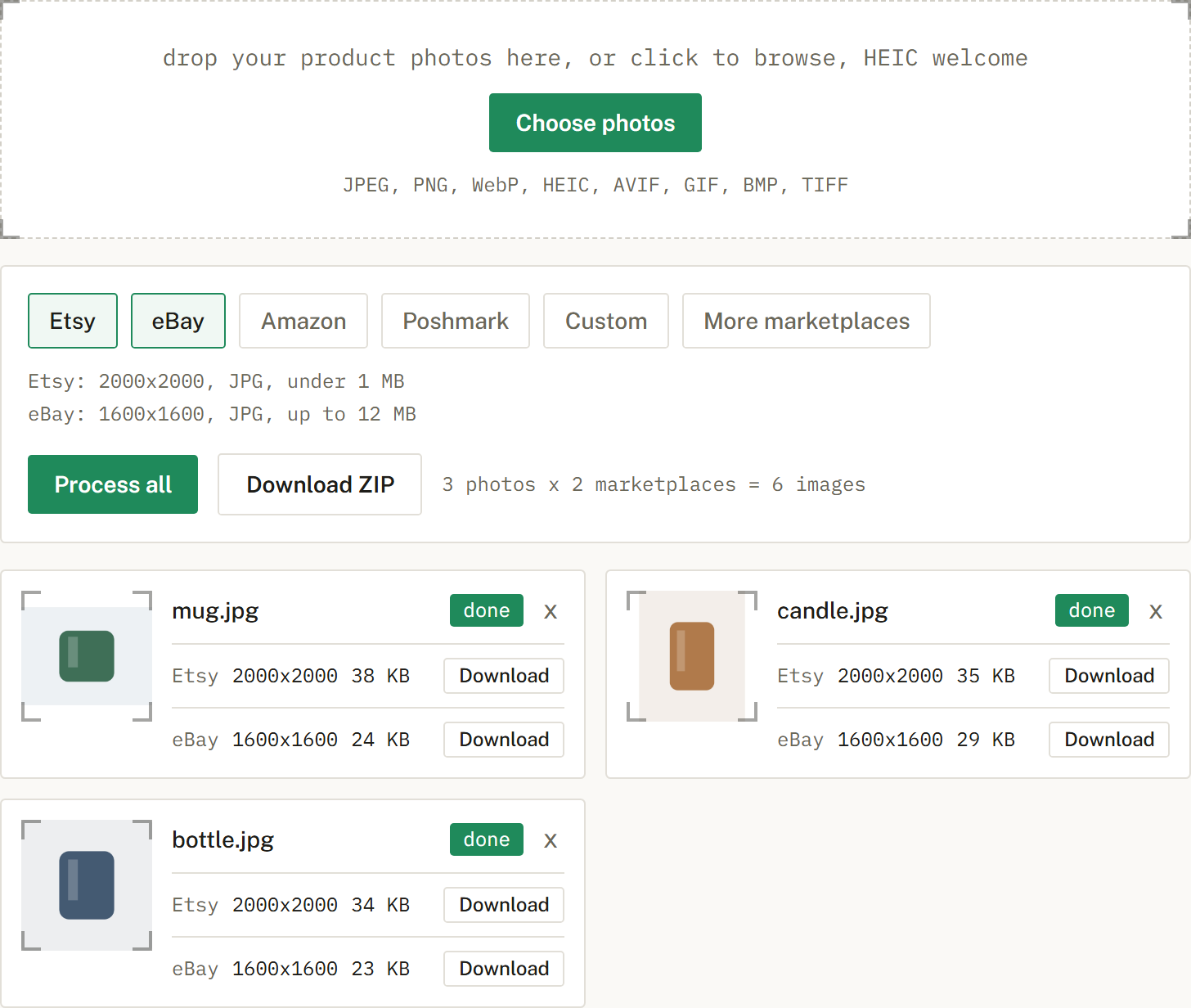
Get a ZIP with correctly named files, one folder per marketplace when you cross-list. Nothing is uploaded.
Square, at least 1600 pixels, and 2000 by 2000 is a good default. The product should fill about 85% of the frame.
Amazon's scanner needs pure white at exactly 255,255,255. Even a slightly off-white background like 250,250,250 can be rejected.
The product should take up about 85% of the frame, centered, so it is not lost in white space.
It pads to pure white and checks the result. That works when your product is photographed on white. It does not cut a product out of a busy background.
An honest look at the free background removal tools, what free really means, and where a sizing tool like SelfShot fits.
The current image sizes, formats, and file-size limits for Etsy, eBay, Amazon, and Poshmark, in one place.
Amazon's scanner rejects off-white backgrounds. Here is what pure white means and how to check it.