·Guides·7 min
Free background removal tools compared, honestly
An honest look at the free background removal tools, what free really means, and where a sizing tool like SelfShot fits.
SelfShot places your product photo on a pure white square by padding to white, then checks the background is exactly 255,255,255 so it passes Amazon. Best when your product is already shot on white.
drop your product photos here, or click to browse, HEIC welcome
Choose photosJPEG, PNG, WebP, HEIC, AVIF, GIF, BMP, TIFF
Padding to white squares your photo and fills the empty space with pure white. For a product photographed on a white sweep or lightbox, this gives a clean, compliant white background and the pure-white check confirms it.
If your product sits on a busy or colored background, padding will not turn that background white. Automatic subject cutout is not part of this version, so for messy backgrounds reshoot on white or use a separate cutout tool first.
Padding to white does two things at once: it makes your photo square, and it fills the empty space around your product with pure white. If your product was photographed on a white sweep, a lightbox, or a sheet of white paper, the whole frame ends up white and your product sits cleanly in the middle.
SelfShot uses exact white, red 255, green 255, blue 255, for the padding, which is the value Amazon's scanner requires. After it builds the image, it checks the border of your product area and confirms whether the white is truly pure, so you are not guessing.
Yes, the padding SelfShot adds is exactly 255, 255, 255, and the pure-white check confirms the result. The one condition is that your product itself must be on white in the original photo. If the area immediately around your product is a light gray studio backdrop, that gray will show, and the check will warn you with the exact value it found.
That warning is the useful part. Instead of uploading and getting rejected, you learn before you list that the background needs another look, and you can adjust your lighting or backdrop and try again.
Padding cannot remove a busy or colored background. If your product sits on a wooden table or a patterned cloth, padding will square the photo and add a white border, but the table or cloth will still be there behind the product. For those shots you need a real cutout.
Automatic subject cutout is not part of this version, by design, because the strongest browser library for it is licensed in a way that is not safe to resell. If you need a cutout, use a dedicated tool first, then bring the result here to size it and confirm the white is correct.
Current values, last reviewed for accuracy. These decide whether a photo is accepted.
| Marketplace | Output size | Format | File size | Background |
|---|---|---|---|---|
| Amazon | 2000x2000 | JPG | up to 10 MB | Pure white, 255,255,255 |
| Etsy | 2000x2000 | JPG | under 1 MB | White optional |
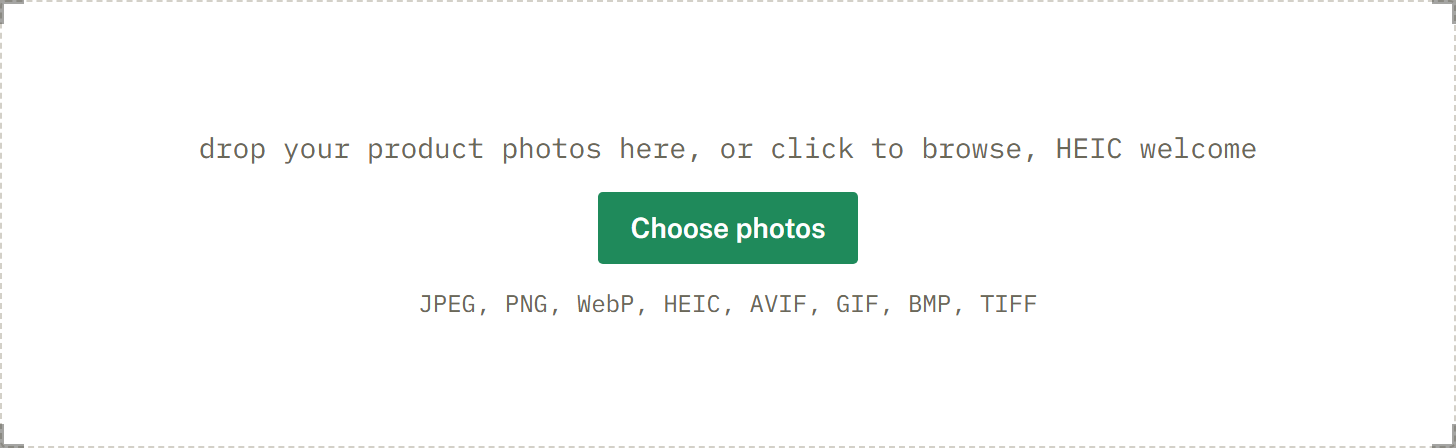
Add a whole batch by drag and drop, file picker, or paste. iPhone HEIC files are read and rotated upright for you.
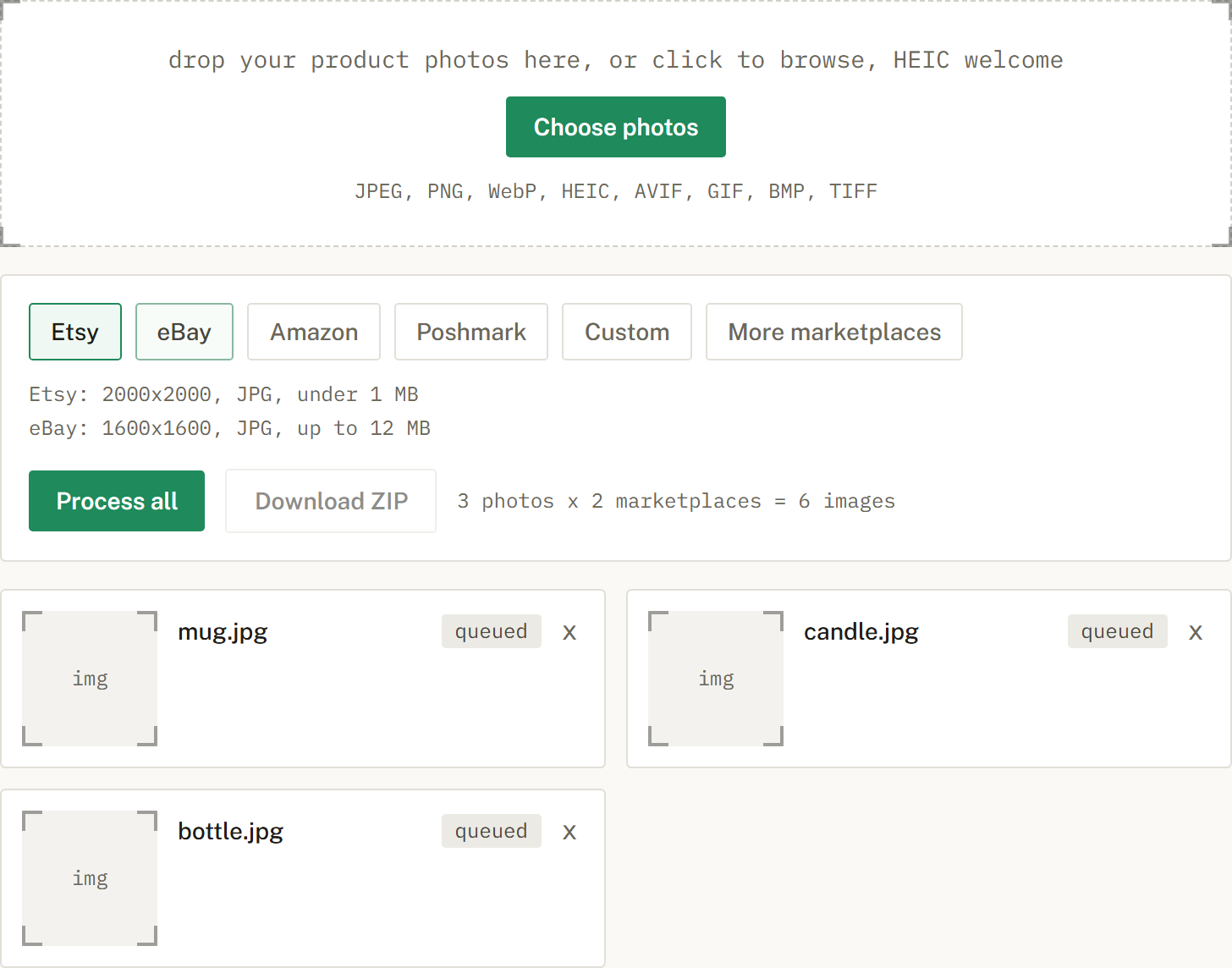
Choose Etsy, eBay, Amazon, or Poshmark, or several at once. SelfShot sizes and squares each photo, either padding to white or cropping to fill, and compresses to that marketplace's limit.
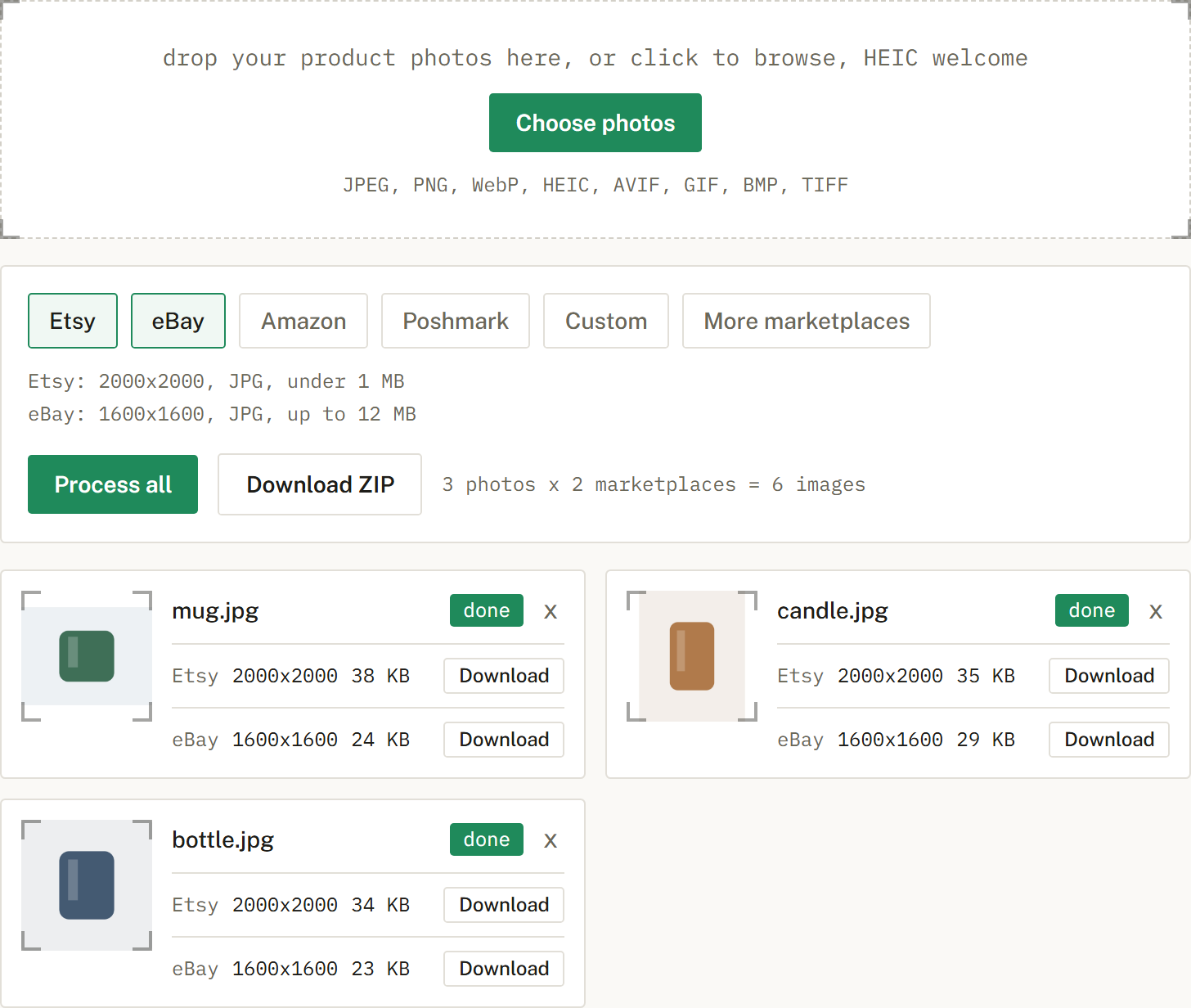
Get a ZIP with correctly named files, one folder per marketplace when you cross-list. Nothing is uploaded.
Photograph it on white, then SelfShot pads the image to a pure white square and confirms the white.
Yes, the padded background is exactly 255,255,255, and the check confirms it. The product must be shot on white for the whole frame to be white.
An honest look at the free background removal tools, what free really means, and where a sizing tool like SelfShot fits.
The current image sizes, formats, and file-size limits for Etsy, eBay, Amazon, and Poshmark, in one place.
Amazon's scanner rejects off-white backgrounds. Here is what pure white means and how to check it.