·Guides·7 min
Free background removal tools compared, honestly
An honest look at the free background removal tools, what free really means, and where a sizing tool like SelfShot fits.
Etsy listings look best with square photos at least 2000 pixels on each side, saved as JPG under about 1 MB so they upload reliably. SelfShot squares, sizes, and compresses your batch to meet that in one pass.
drop your product photos here, or click to browse, HEIC welcome
Choose photosJPEG, PNG, WebP, HEIC, AVIF, GIF, BMP, TIFF
Etsy standardized on square images, so a portrait or landscape phone photo gets padded to a clean 1:1 frame. SelfShot scales each image to 2000 by 2000 and pads the short side, then compresses under the 1 MB upload ceiling that causes most failed uploads.
If a photo cannot reach 2000 by 2000 under 1 MB at reasonable quality, SelfShot falls back to 1600 by 1600 and tells you, so the upload still works.
Etsy recommends listing photos at least 2000 pixels on the shortest side, and it standardized its layout on square images. A square photo fills the listing grid and the thumbnail cleanly, while a portrait or landscape shot gets cropped or letterboxed in ways you do not control. By squaring your photos yourself, you decide what stays in frame.
SelfShot scales each image so it fits a 2000 by 2000 square, then pads the shorter side so nothing is cut off. The result is a consistent set of square photos across your whole listing, which looks more professional in search results and on the listing page.
The most common reason an Etsy upload fails or stalls is file size. A full-resolution phone photo can be several megabytes, and Etsy uploads are far more reliable under about 1 megabyte. People often blame their connection when the real problem is the file.
SelfShot solves this with a compression search: it encodes the image, checks the byte size, and steps the JPEG quality down until the file is comfortably under 1 megabyte while staying sharp. If a 2000 by 2000 photo still cannot get under the limit at reasonable quality, it drops to 1600 by 1600 and tells you, so you always end up with a file that uploads.
iPhones save photos as HEIC, which Etsy now accepts but which still trips up some workflows, and HEIC files often carry rotation information that can make a photo appear sideways. SelfShot reads HEIC on your device, bakes the correct orientation into the pixels so the photo is upright, and exports a clean JPG sized for Etsy.
Everything happens in your browser. Your photos are never uploaded to SelfShot, which keeps the tool free and private and means there is no per-image limit and no account to create.
Current values, last reviewed for accuracy. These decide whether a photo is accepted.
| Marketplace | Output size | Format | File size | Background |
|---|---|---|---|---|
| Etsy | 2000x2000 | JPG | under 1 MB | White optional |
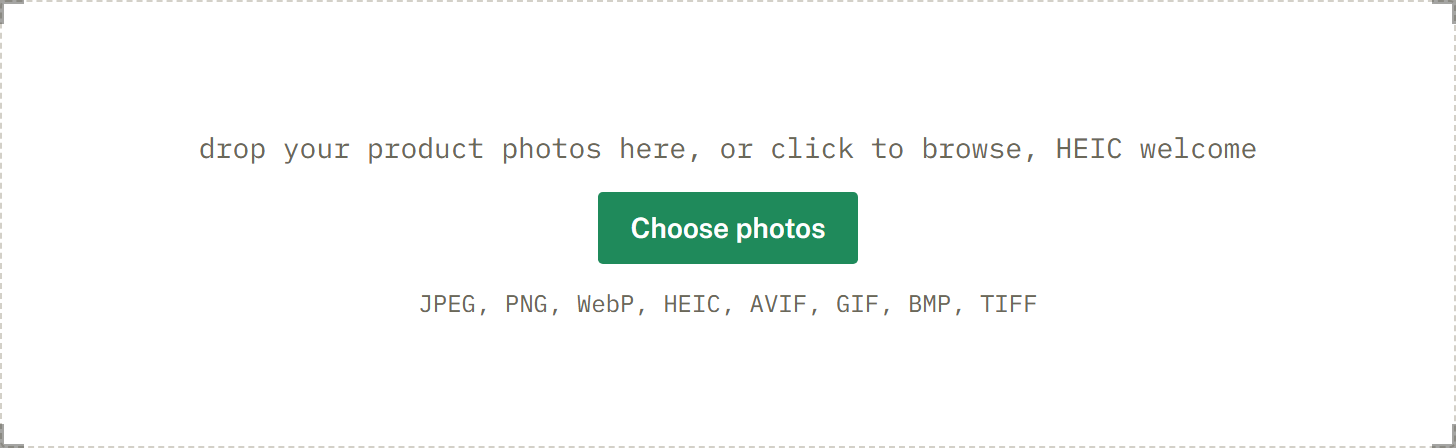
Add a whole batch by drag and drop, file picker, or paste. iPhone HEIC files are read and rotated upright for you.
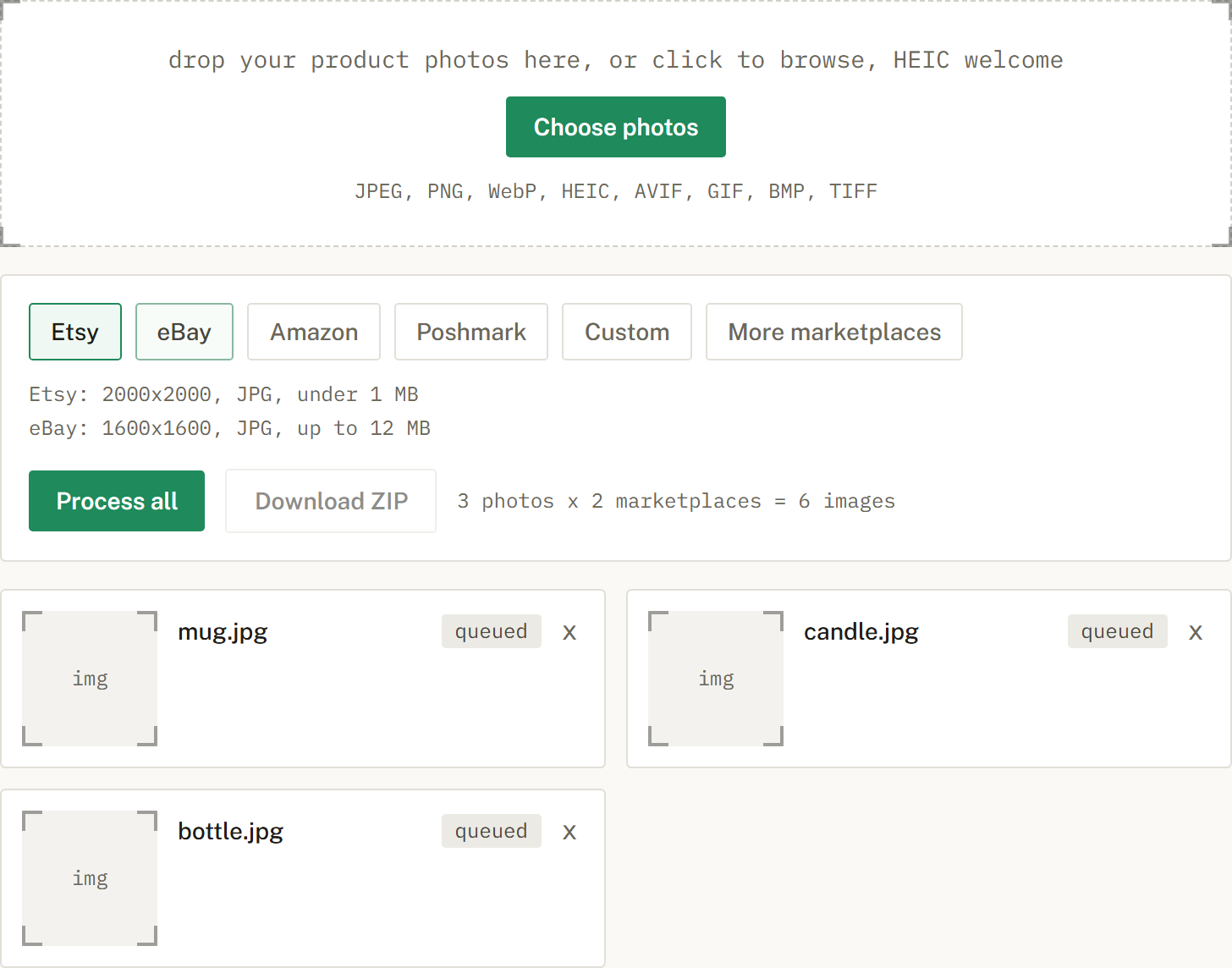
Choose Etsy, eBay, Amazon, or Poshmark, or several at once. SelfShot sizes and squares each photo, either padding to white or cropping to fill, and compresses to that marketplace's limit.
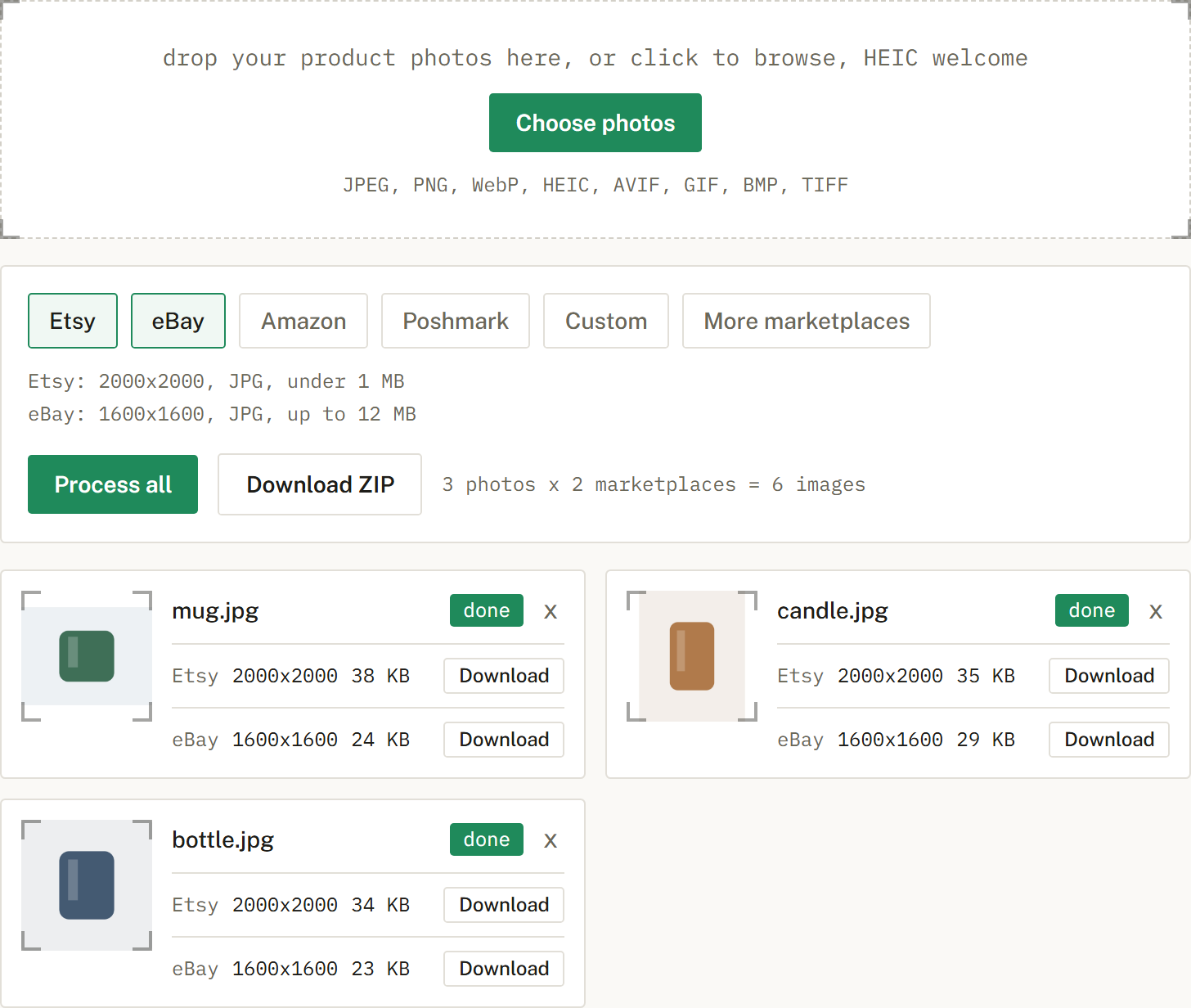
Get a ZIP with correctly named files, one folder per marketplace when you cross-list. Nothing is uploaded.
Square, at least 2000 pixels on each side, saved as JPG under about 1 MB.
Etsy standardized on square, so SelfShot pads to a 1:1 frame.
It is usually too large. Etsy uploads are most reliable under about 1 MB, which SelfShot targets automatically.
An honest look at the free background removal tools, what free really means, and where a sizing tool like SelfShot fits.
The current image sizes, formats, and file-size limits for Etsy, eBay, Amazon, and Poshmark, in one place.
Amazon's scanner rejects off-white backgrounds. Here is what pure white means and how to check it.