·Guides·7 min
Free background removal tools compared, honestly
An honest look at the free background removal tools, what free really means, and where a sizing tool like SelfShot fits.
Poshmark displays photos square, so 1200 by 1200 is a safe, sharp size. SelfShot squares and sizes your batch and keeps files small.
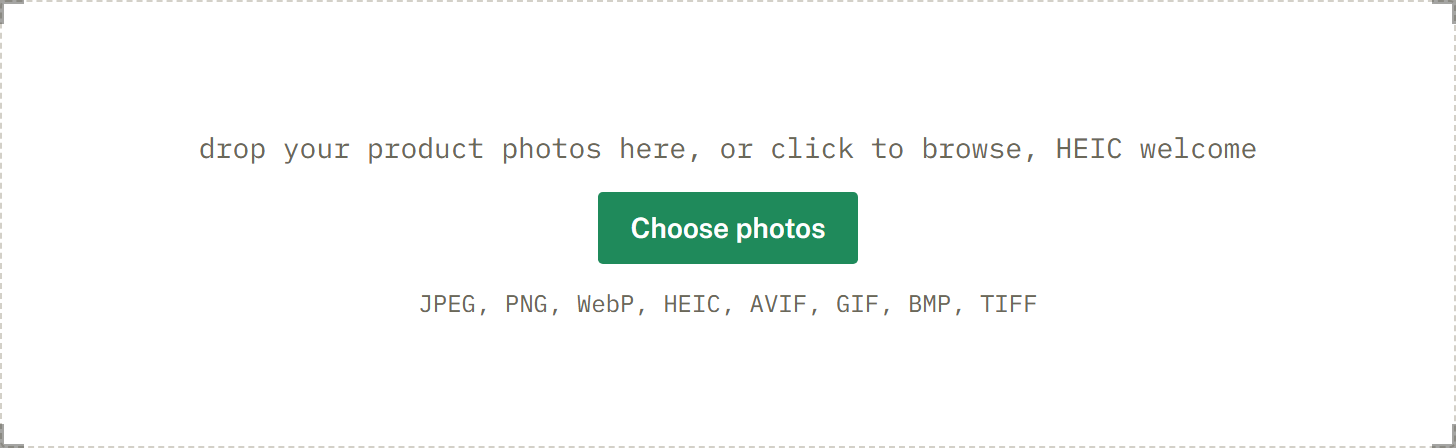
drop your product photos here, or click to browse, HEIC welcome
Choose photosJPEG, PNG, WebP, HEIC, AVIF, GIF, BMP, TIFF
Poshmark's newer app favors a portrait 3:4 crop in the feed but still accepts square photos and displays them padded. Square 1200 by 1200 is a reliable default that looks clean across the app.
Shoot on your phone and SelfShot handles the HEIC files and orientation, so your closet photos come out upright and correctly sized.
Poshmark is not as strict or as well documented as Amazon, but it displays photos in a square format, and a square image around 1200 by 1200 pixels is a reliable, sharp choice. SelfShot squares and sizes your closet photos to 1200 by 1200 and keeps the files small so they post quickly from your phone.
Poshmark's newer app leans toward a taller, portrait crop in the feed, but it still accepts square photos and shows them padded. Square remains the safe default because it looks clean everywhere in the app and never crops your item unexpectedly.
Square is the format that displays most consistently across Poshmark, which is why SelfShot pads each photo to a 1:1 frame instead of cropping it. Your whole item stays visible, and your closet looks tidy and uniform, which helps buyers browse.
If you photograph flat lays or hanging items in portrait, SelfShot adds a clean border to make them square rather than cutting off the top or bottom.
Most Poshmark sellers shoot on a phone, which means HEIC files and rotation data that can flip a photo sideways. SelfShot reads HEIC on your device, fixes the orientation, and exports JPG, all without uploading anything.
You can prepare a whole closet at once: drop the batch, pick Poshmark, and download a ZIP of correctly sized photos ready to list.
Current values, last reviewed for accuracy. These decide whether a photo is accepted.
| Marketplace | Output size | Format | File size | Background |
|---|---|---|---|---|
| Poshmark | 1200x1200 | JPG | up to 5 MB | White optional |
| Poshmark cover 3:4 | 1200x1600 | JPG | up to 5 MB | White optional |
Add a whole batch by drag and drop, file picker, or paste. iPhone HEIC files are read and rotated upright for you.
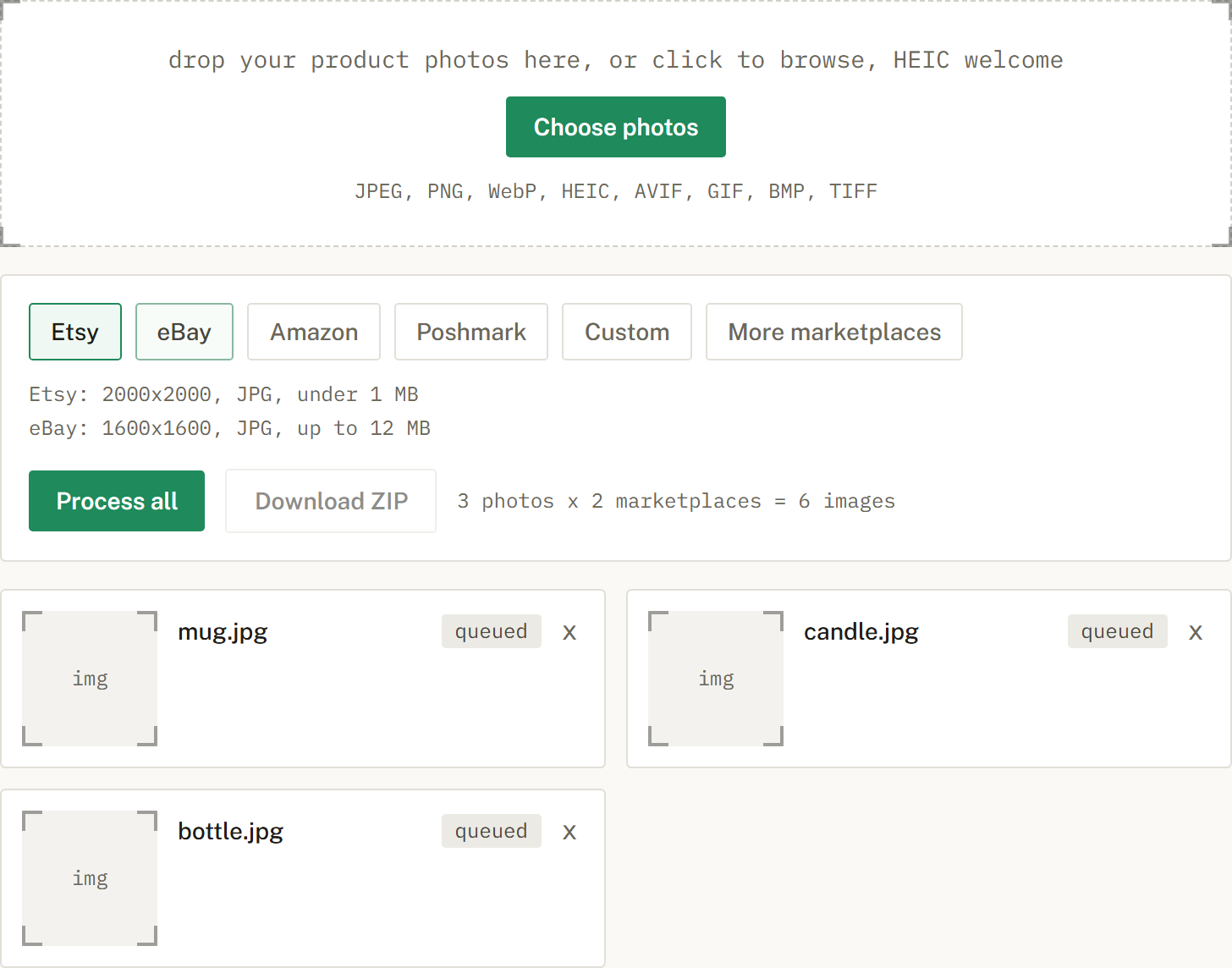
Choose Etsy, eBay, Amazon, or Poshmark, or several at once. SelfShot sizes and squares each photo, either padding to white or cropping to fill, and compresses to that marketplace's limit.
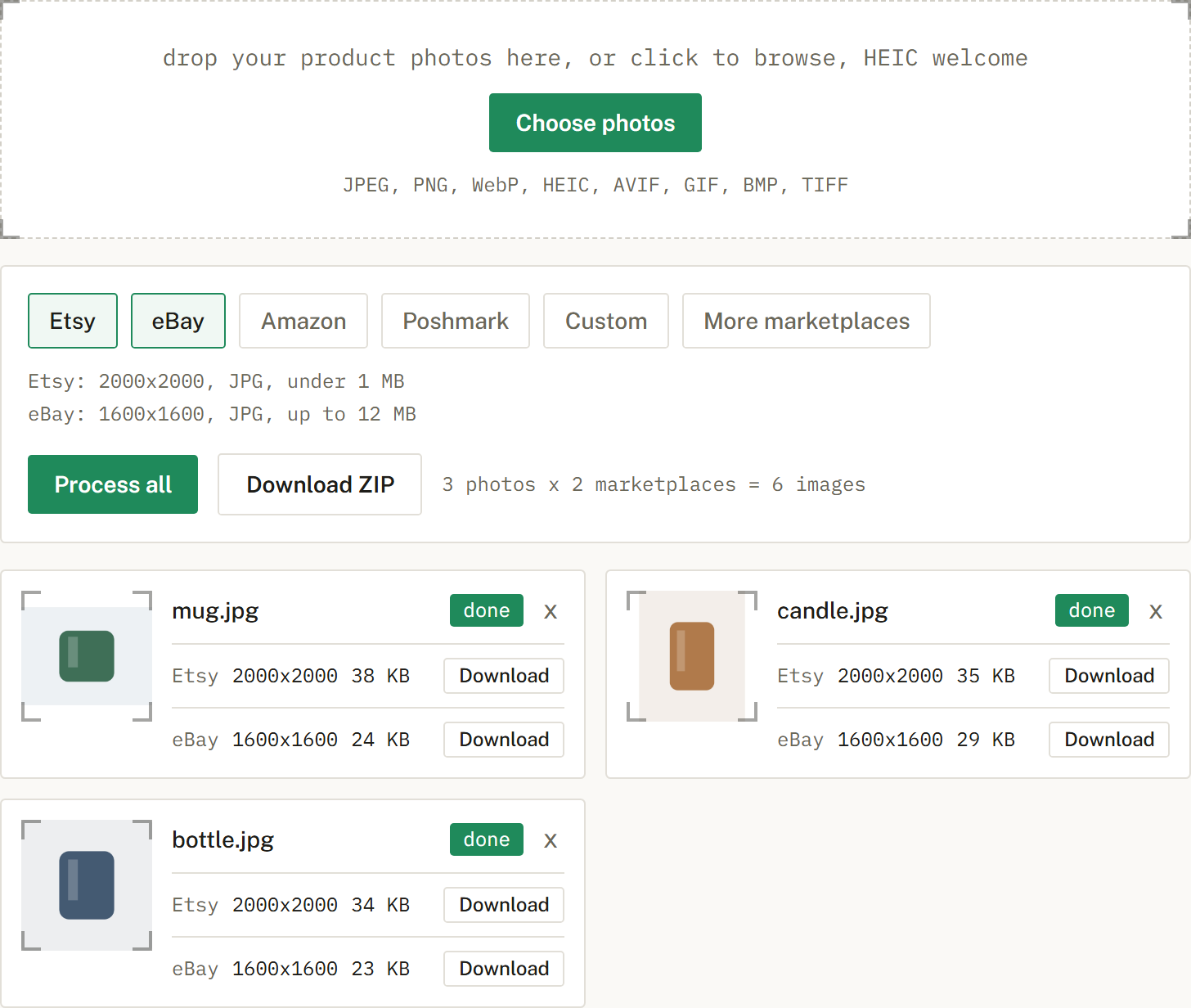
Get a ZIP with correctly named files, one folder per marketplace when you cross-list. Nothing is uploaded.
Square works well at 1200 by 1200. The newer app favors portrait in the feed but accepts square.
Square is a safe default and displays cleanly across the app.
An honest look at the free background removal tools, what free really means, and where a sizing tool like SelfShot fits.
The current image sizes, formats, and file-size limits for Etsy, eBay, Amazon, and Poshmark, in one place.
Amazon's scanner rejects off-white backgrounds. Here is what pure white means and how to check it.