·Guides·7 min
Free background removal tools compared, honestly
An honest look at the free background removal tools, what free really means, and where a sizing tool like SelfShot fits.
iPhones save photos as HEIC, which many listing sites reject. SelfShot reads HEIC, rotates it upright, and exports JPG at the size your marketplace needs. All in your browser.
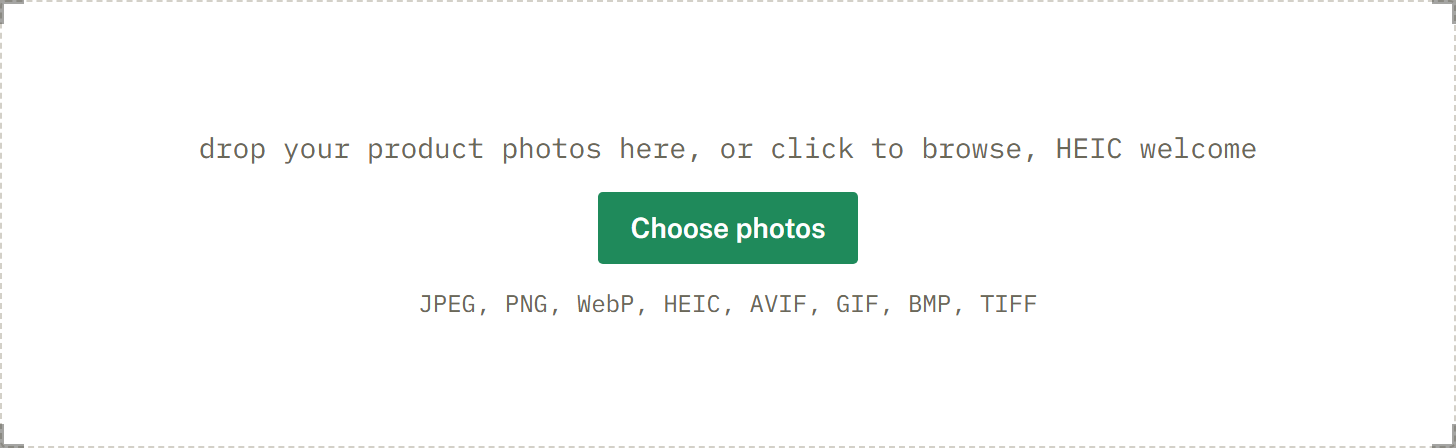
drop your product photos here, or click to browse, HEIC welcome
Choose photosJPEG, PNG, WebP, HEIC, AVIF, GIF, BMP, TIFF
HEIC is Apple's photo format. It saves space on your phone but trips up older upload forms. SelfShot decodes HEIC on your device and writes a clean JPG, with the orientation baked in so nothing comes out sideways.
Convert a whole camera roll at once and, if you like, size the output for Etsy, eBay, Amazon, or Poshmark in the same step.
HEIC, sometimes called HEIF, is the photo format Apple uses on iPhones by default. It saves space on your phone by compressing photos more efficiently than JPG. The trade-off is compatibility: many older upload forms and some marketplaces only accept JPG or PNG, so a HEIC file is rejected or simply will not select.
Converting to JPG fixes this. SelfShot decodes the HEIC on your device and writes a standard JPG that any listing site accepts.
Phone photos store an orientation tag rather than always rotating the pixels, so a photo can look upright on your phone but appear sideways once it is uploaded somewhere that ignores the tag. SelfShot bakes the correct orientation directly into the pixels when it converts, so your exported JPG is upright everywhere.
If you also pick a marketplace, the same step squares and sizes the photo to that marketplace's spec, so you go from a sideways HEIC to a ready-to-list JPG in one pass.
You can convert many photos at once. Drop the batch, and SelfShot reads each HEIC and exports a JPG, with an optional marketplace size applied. You download a ZIP of the converted files.
Your photos are never uploaded. The conversion runs in your browser, so it is free, there is no limit on how many you convert, and your images stay on your device.
Current values, last reviewed for accuracy. These decide whether a photo is accepted.
| Marketplace | Output size | Format | File size | Background |
|---|---|---|---|---|
| Etsy | 2000x2000 | JPG | under 1 MB | White optional |
| eBay | 1600x1600 | JPG | up to 12 MB | White optional |
| Amazon | 2000x2000 | JPG | up to 10 MB | Pure white, 255,255,255 |
| Poshmark | 1200x1200 | JPG | up to 5 MB | White optional |
| Poshmark cover 3:4 | 1200x1600 | JPG | up to 5 MB | White optional |
| Mercari | 1280x1280 | JPG | up to 10 MB | White optional |
| Depop | 1280x1280 | JPG | up to 8 MB | White optional |
| Facebook Marketplace | 1200x1200 | JPG | up to 8 MB | White optional |
| Shopify | 2048x2048 | JPG | up to 20 MB | White optional |
Add a whole batch by drag and drop, file picker, or paste. iPhone HEIC files are read and rotated upright for you.
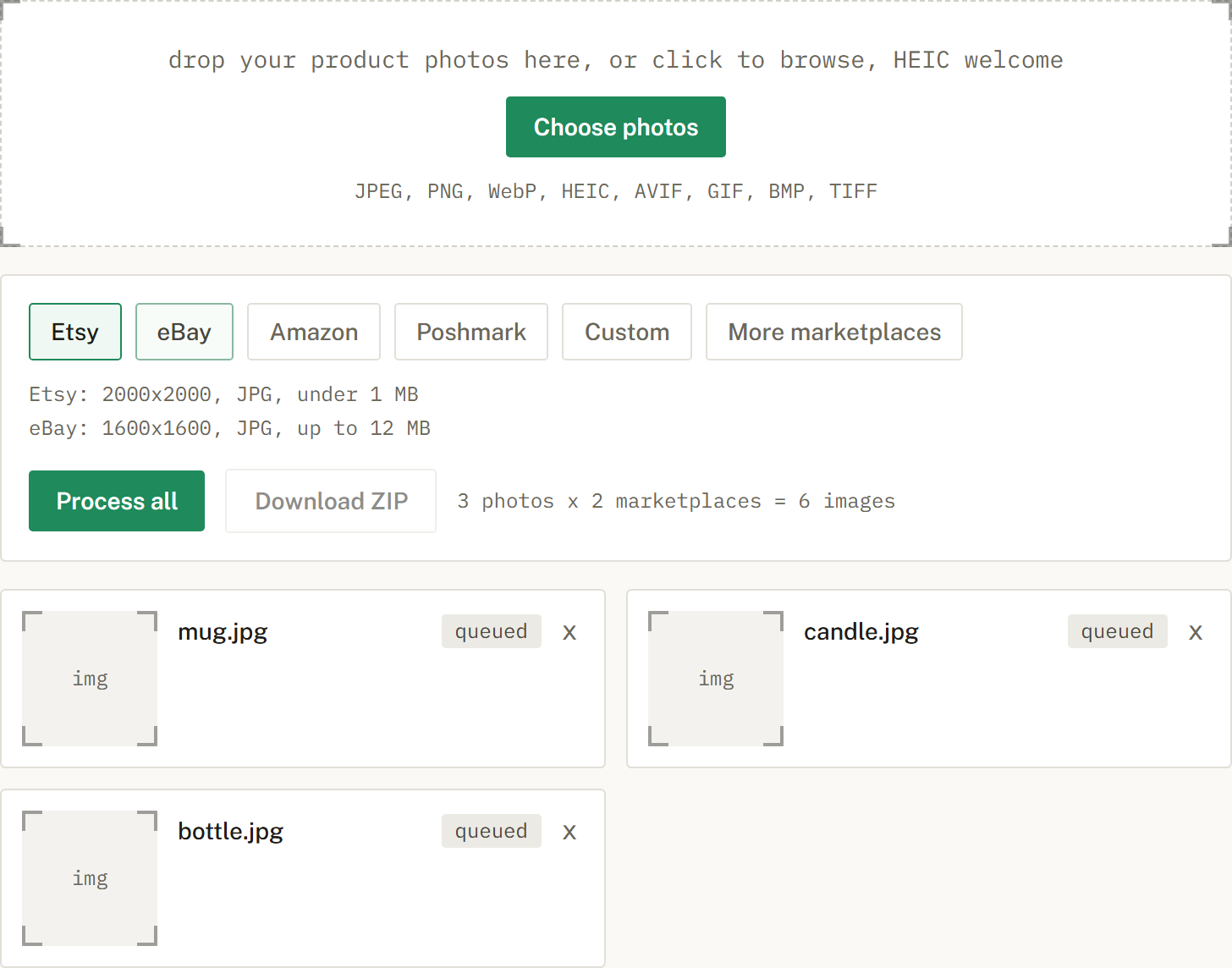
Choose Etsy, eBay, Amazon, or Poshmark, or several at once. SelfShot sizes and squares each photo, either padding to white or cropping to fill, and compresses to that marketplace's limit.
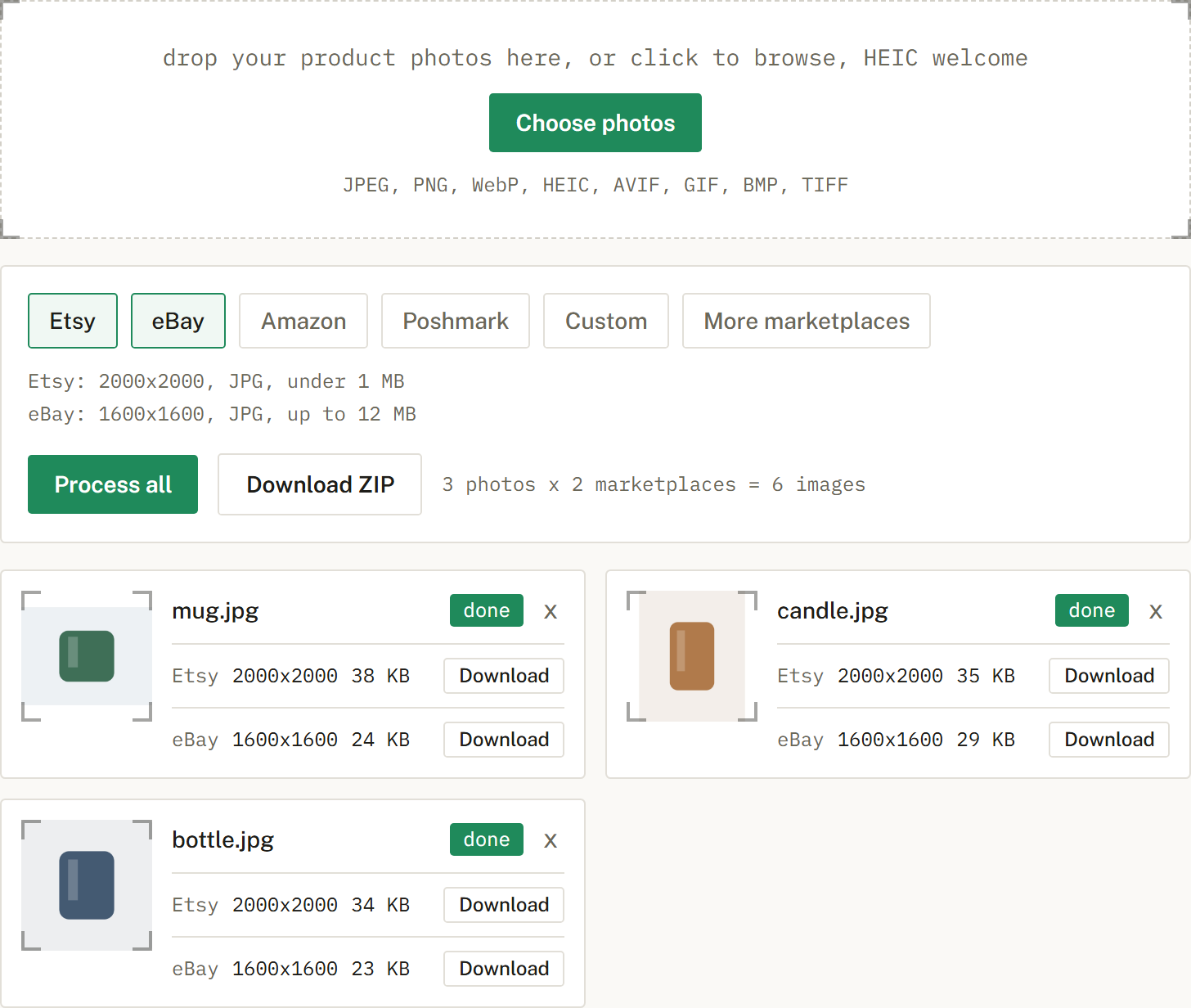
Get a ZIP with correctly named files, one folder per marketplace when you cross-list. Nothing is uploaded.
HEIC is Apple's photo format. Many upload forms only accept JPG, so the file is rejected.
No. Your photos are processed in your browser and never uploaded. SelfShot has no copy of them.
Yes. Convert a whole batch and, if you like, size them for a marketplace at the same time.
An honest look at the free background removal tools, what free really means, and where a sizing tool like SelfShot fits.
The current image sizes, formats, and file-size limits for Etsy, eBay, Amazon, and Poshmark, in one place.
Amazon's scanner rejects off-white backgrounds. Here is what pure white means and how to check it.