·Guides·7 min
Free background removal tools compared, honestly
An honest look at the free background removal tools, what free really means, and where a sizing tool like SelfShot fits.
SelfShot makes a white background by padding and checks it is pure 255,255,255 for Amazon. It does not do automatic subject cutout in this version, so it works best when your product is already shot on white.
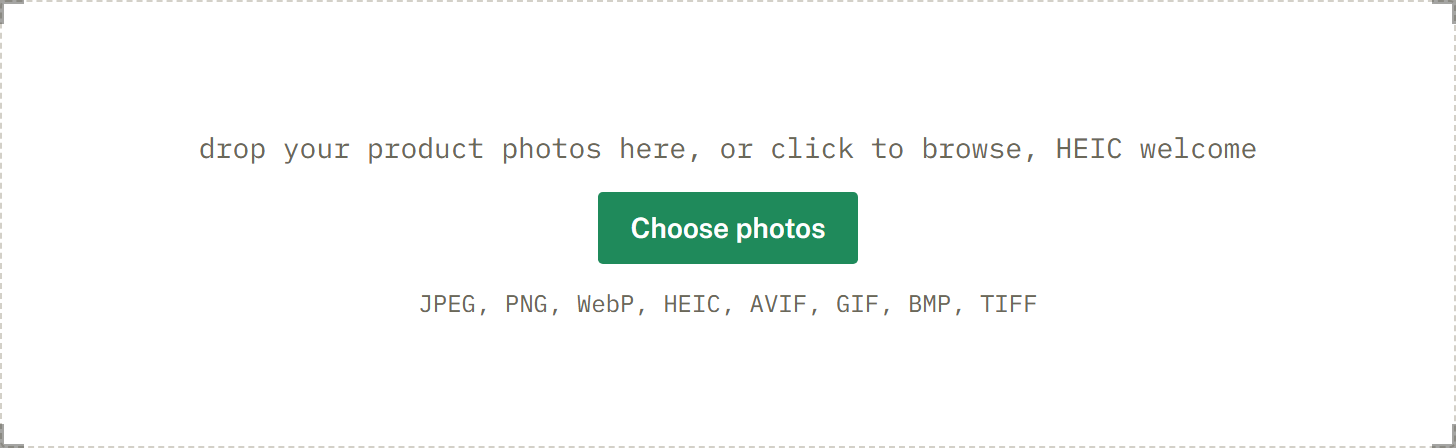
drop your product photos here, or click to browse, HEIC welcome
Choose photosJPEG, PNG, WebP, HEIC, AVIF, GIF, BMP, TIFF
Many sellers searching for background removal really need a clean white background that passes Amazon. SelfShot does that by padding to pure white and verifying the value, with no upload and no account.
To be clear: this version does not cut a product out of a busy background automatically. If you need that, use a dedicated cutout tool first, then bring the result here to size it and confirm the white.
Many people search for background removal when what they really need is a clean white background that passes Amazon and looks tidy on Etsy or eBay. If your product is already photographed on white, you do not need to cut anything out. You need to square the photo, make the background exactly white, and confirm the value. SelfShot does all three.
This is faster and more reliable than an automatic cutout, which can leave rough edges around hair, fur, or fine detail. For a product shot on white, padding gives a perfect result every time, with no edges to clean up.
Yes. Your photos are processed entirely in your browser and are never uploaded to a server. There is no account, no watermark, and no per-image limit. That is also why it is free: there is no server doing the work and no per-image cost.
Because nothing leaves your device, you can prepare sensitive or pre-launch product photos without worrying about where they end up.
This version does not automatically separate a product from a busy background. We made that choice deliberately. The strongest in-browser removal library is licensed in a way that is not safe to include in a product that gets sold and operated by someone else, so shipping it would create a legal problem for the owner.
If you need a true cutout, use a dedicated removal tool first, then bring the transparent or white result here. SelfShot will size it for your marketplace and verify the white, which is the part that decides whether your listing is accepted.
Current values, last reviewed for accuracy. These decide whether a photo is accepted.
| Marketplace | Output size | Format | File size | Background |
|---|---|---|---|---|
| Amazon | 2000x2000 | JPG | up to 10 MB | Pure white, 255,255,255 |
| Etsy | 2000x2000 | JPG | under 1 MB | White optional |
Add a whole batch by drag and drop, file picker, or paste. iPhone HEIC files are read and rotated upright for you.
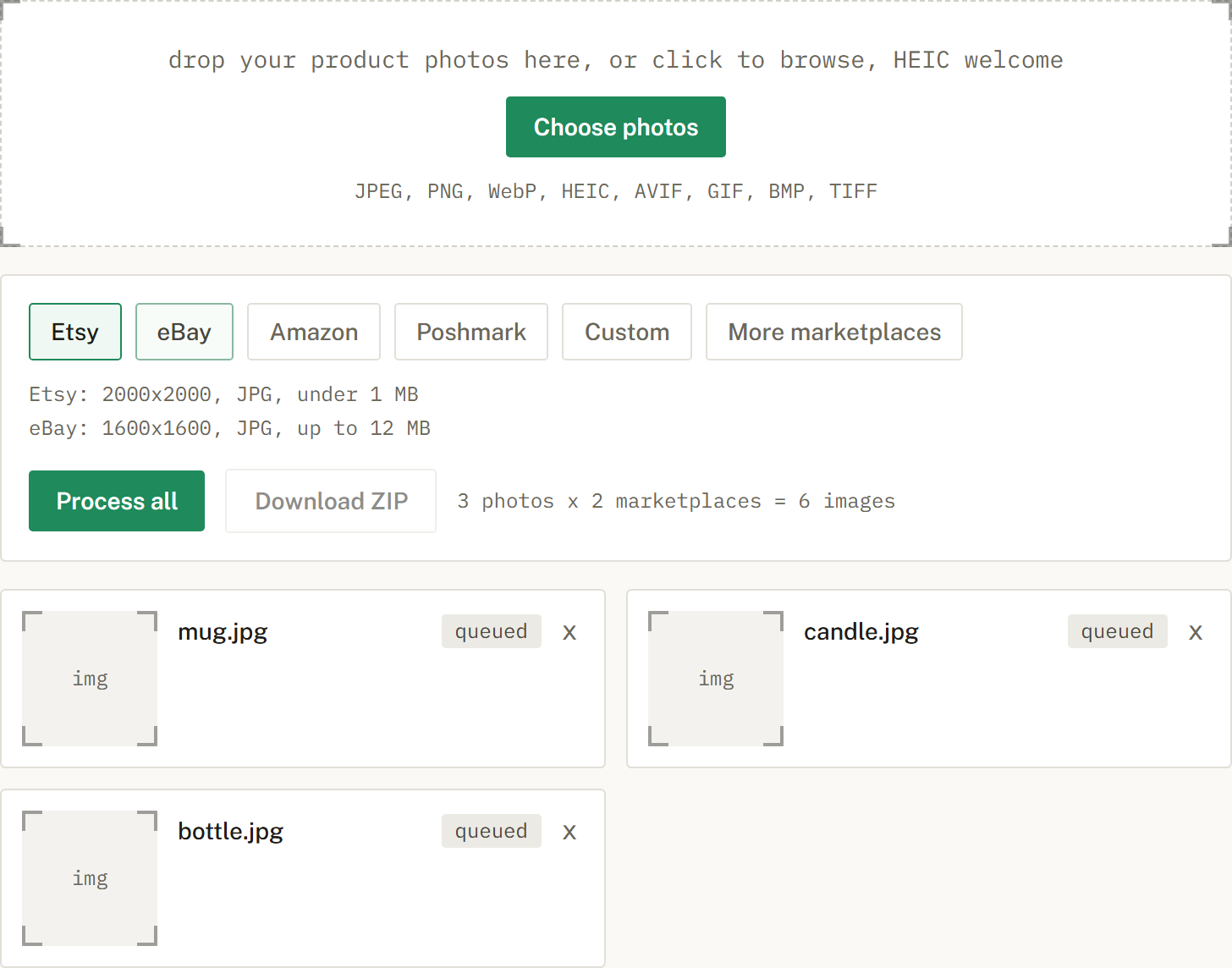
Choose Etsy, eBay, Amazon, or Poshmark, or several at once. SelfShot sizes and squares each photo, either padding to white or cropping to fill, and compresses to that marketplace's limit.
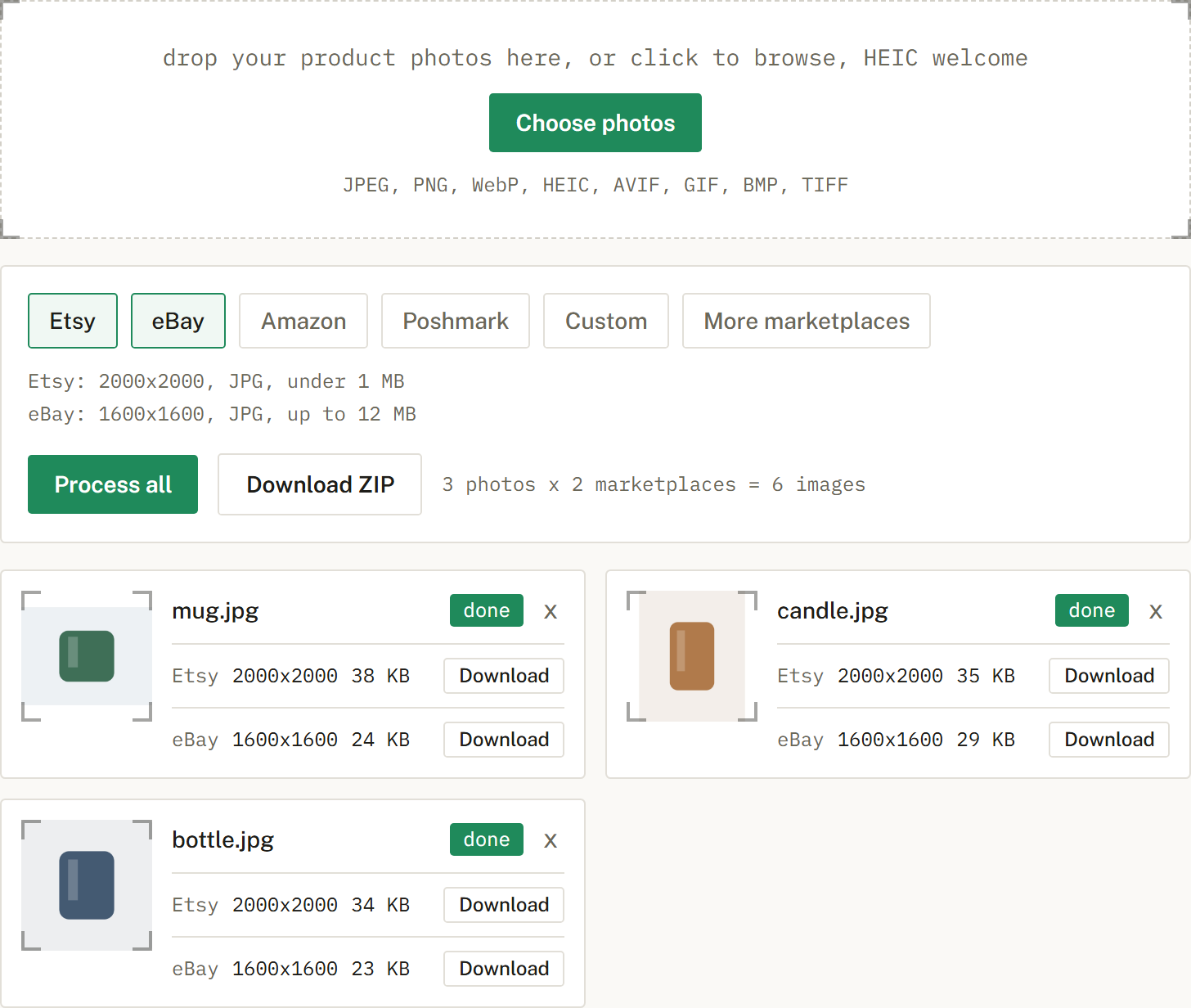
Get a ZIP with correctly named files, one folder per marketplace when you cross-list. Nothing is uploaded.
No. This version makes a white background by padding, which works when your product is shot on white. It does not cut a subject out of a busy background.
No. Your photos are processed in your browser and never uploaded. SelfShot has no copy of them.
Not in this version. Output is on a white or original background.
An honest look at the free background removal tools, what free really means, and where a sizing tool like SelfShot fits.
The current image sizes, formats, and file-size limits for Etsy, eBay, Amazon, and Poshmark, in one place.
Amazon's scanner rejects off-white backgrounds. Here is what pure white means and how to check it.